Why this exists
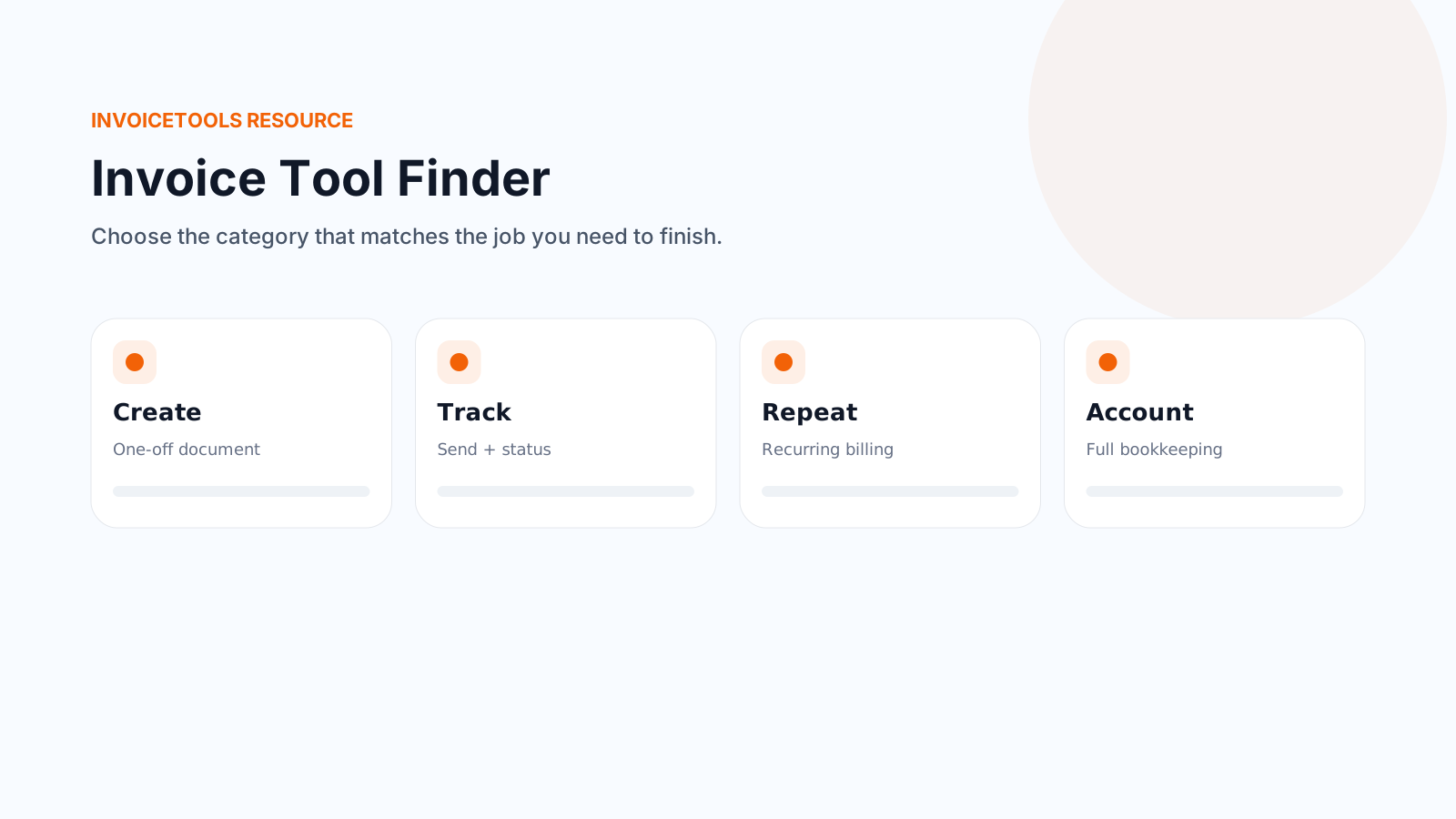
A one-off PDF, tracked sending, recurring billing with saved customers, and full double-entry accounting are different jobs, built by different kinds of software. People often land on a "best invoicing software" list before they have worked out which of those jobs they actually have, so they end up comparing tools that were never competing with each other. This page asks about the job first.
Answer six questions
Pick one answer per question, then get your result. Every question and every possible result is also listed as plain text further down the page, in case the interactive version does not load for you.
Full reference: every result this quiz can give
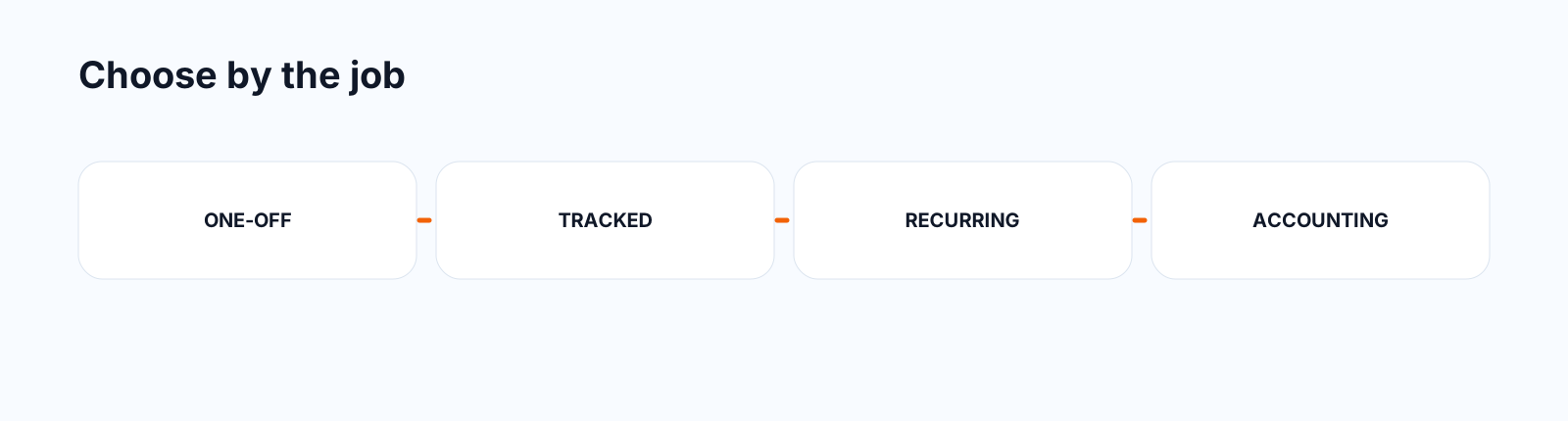
This is the complete logic in table form, so the answer exists on the page even without JavaScript. The categories are ordered by how the quiz decides between them: it checks accounting first, then how often you invoice, then whether you need tracking.
| Category | Fits when | What it is, and why | On InvoiceTools |
|---|---|---|---|
| Full accounting software | You need bookkeeping, a chart of accounts, bank reconciliation or profit and loss reports in the same system as invoicing. | This is a different product category from a document generator. It needs to track every transaction, not just produce a document, and it usually needs to connect to a bank feed. InvoiceTools does not do this and is not the right fit here. | Not this site's product. See switching from a paid app for how InvoiceTools compares with accounting suites on the invoicing side only. |
| Billing tool with recurring invoices and saved customers | No accounting needed, but you bill the same customers repeatedly and want reminders, saved details and a recurring schedule. | The job here is not "make one document," it is "keep billing the same relationship without retyping it each time." Look for saved customer records, a recurring schedule and automatic reminders. | Recurring invoices, built on top of the invoice generator |
| Send-and-track invoicing | No accounting, mostly one-off or varied customers, but you want to know when an invoice was opened and whether it is paid. | This needs somewhere to hold state (opened, viewed, paid), which a plain downloaded PDF cannot do on its own. That state has to live in an account, even a free one. | Invoice generator with a free account, plus payment links so a customer can pay from the same page they open |
| Simple, no-signup document generator | No accounting, no tracking needed, and you'd rather not create an account at all. | The job is narrow: fill in a document, get a clean PDF, send it yourself. Prioritize speed, output quality and not being asked for an account, over any tracking or bookkeeping features you won't use. | Invoice generator, receipt maker and the rest of the document tools, none of which require an account to build and download |
| Also relevant: estimate or quote step | You need a priced estimate or quote before the invoice, in addition to whichever invoicing category above fits. | An estimate or quote is a separate document from an invoice, sent before the work is approved rather than after it is done. It is not a substitute for the invoicing category above, it sits in front of it. | Quote generator for a simple priced quote, cost estimator for a line-by-line costed estimate |
| Also relevant: profession-specific layout | You want line items and structure that already match your trade, in addition to whichever invoicing category above fits. | This is a template and starting-data question, not a different software category. The underlying tool is still whichever category above fits your billing pattern. | Browse industries for a trade page with a matching sample invoice, or start the cost estimator for a costed, line-by-line layout |
Why there is no winner here
A "best invoicing software" list usually compares products that were never solving the same problem: a freelancer who wants a fast PDF and a five-person shop that wants recurring billing and bookkeeping are not shopping for the same thing, even if both search for "invoicing software." Naming a single winner across that range would be misleading regardless of who wrote the list. This page sorts by job instead, and only points to an InvoiceTools tool where the category genuinely matches what that tool does.
What this is. InvoiceTools.com publishes this page and the tools it links to. It is a classifier built to help you narrow down a category before you compare specific products, not an independent review. Where the category fits InvoiceTools' own tools, this page says so plainly; where it does not, such as full accounting software, it says that too rather than forcing a fit.
Last reviewed by InvoiceTools, Houston, Texas, on 29 September 2026.