Invoice Tools

Receipt Templates

Free receipt templates

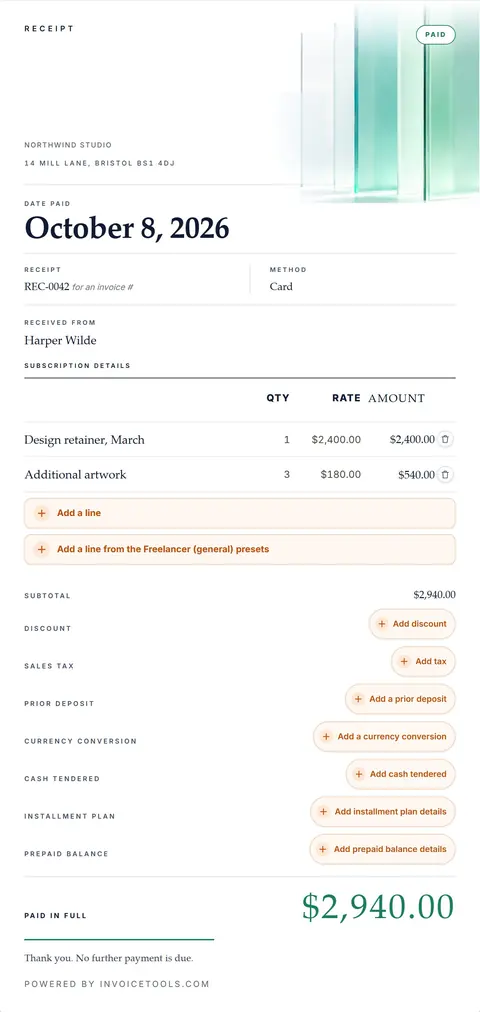
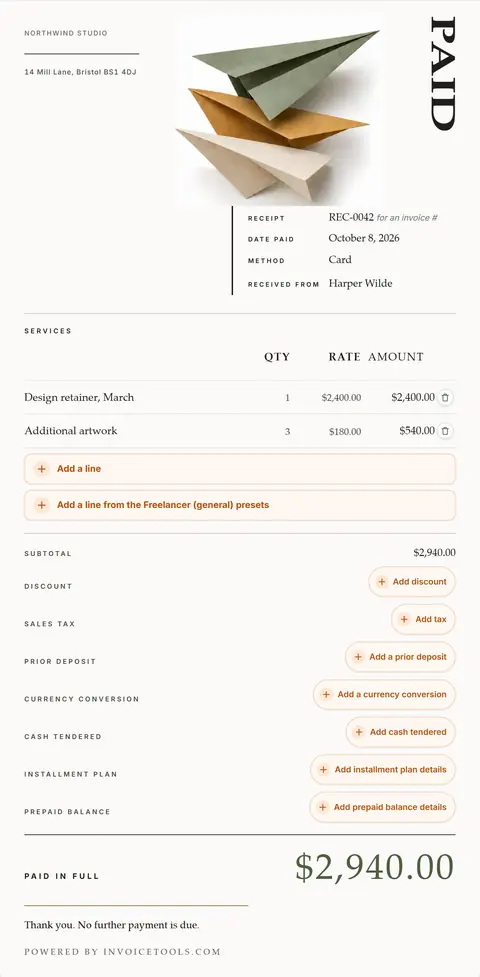
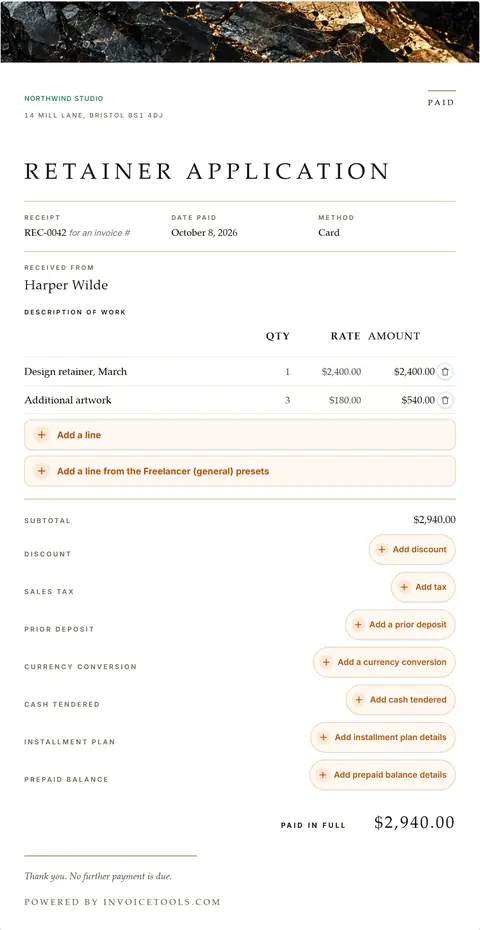
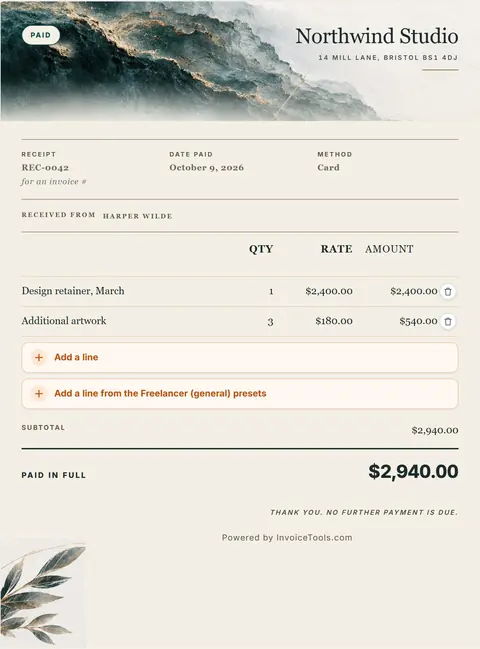
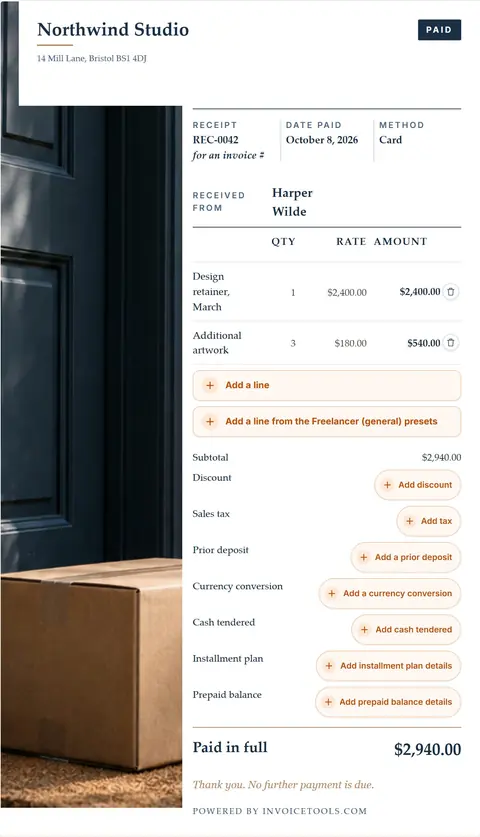
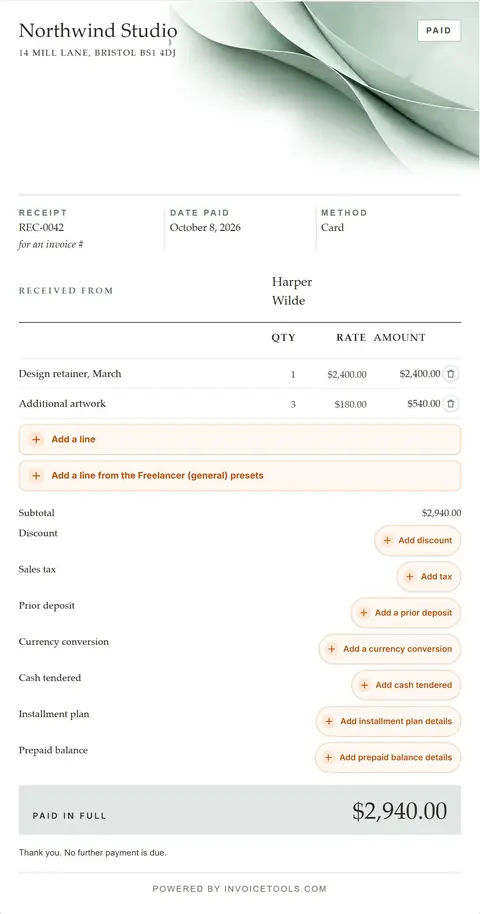
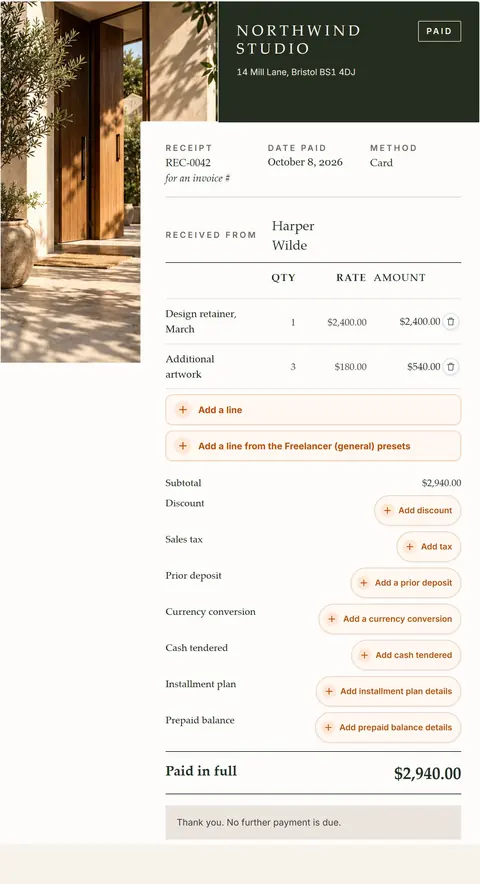
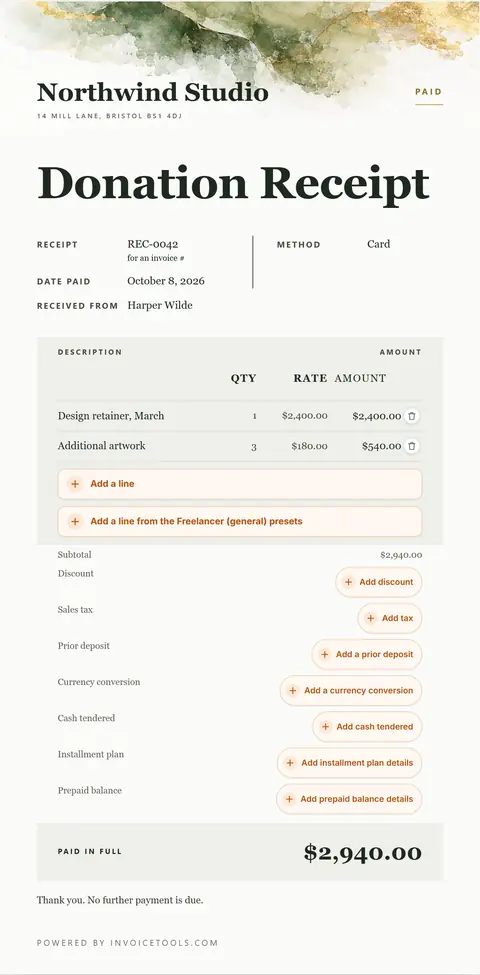
Give clean proof of payment: itemized lines, the method used, a paid mark and change due, edited in the browser and exported as PDF.

30+ receipt designs for shops, market stalls and service calls. Change the color, the type and every line of content on the page itself.

  • Free designs, free account
  • Nothing uploaded unless you save, share or use AI
  • PDF, PNG, print, CSV

Download a blank receipt template (Word, Excel, PDF)

30+ Templates

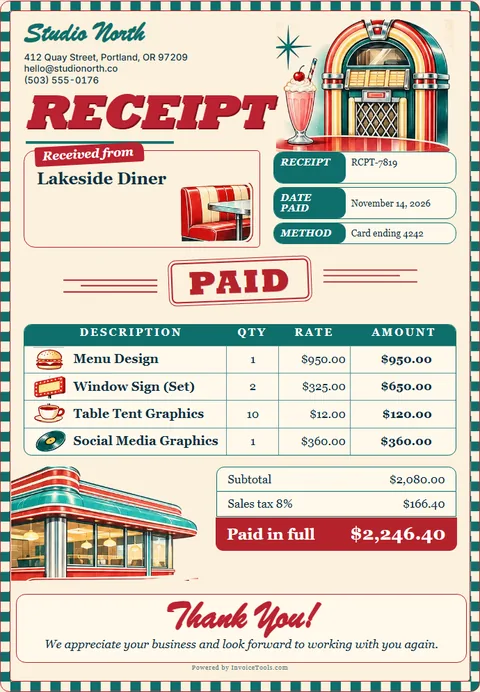
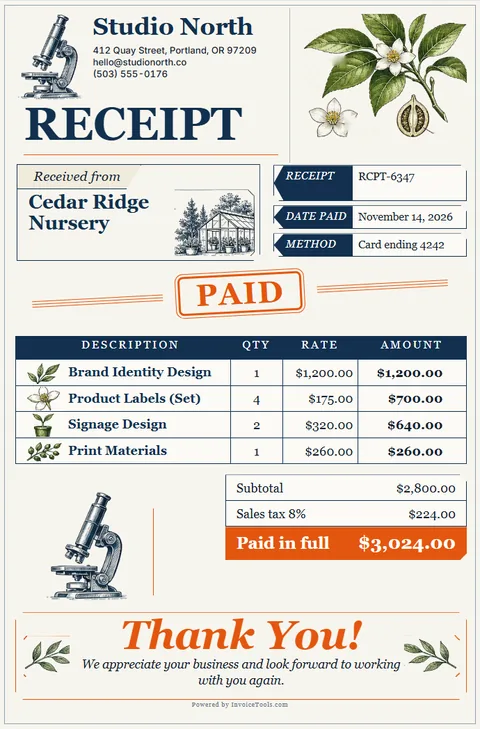
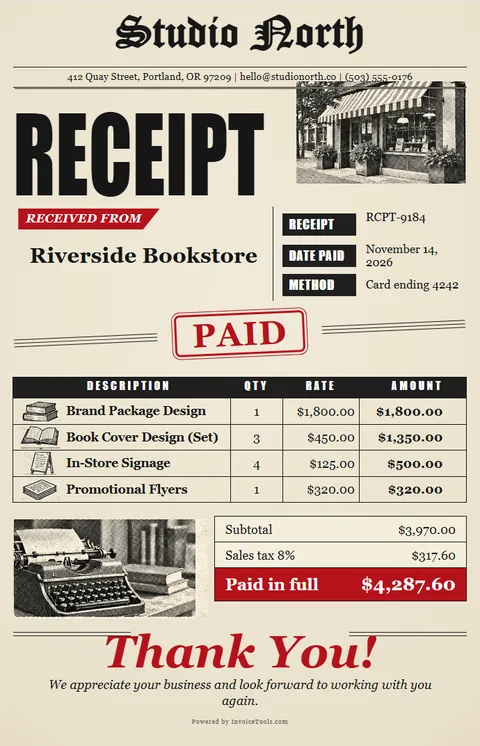
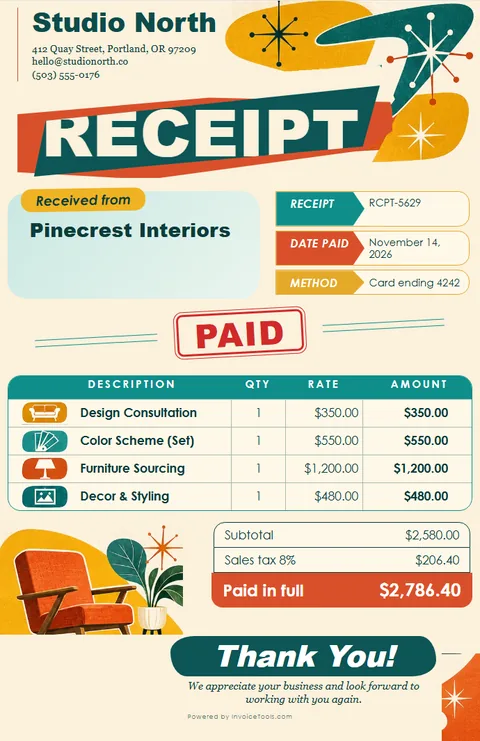
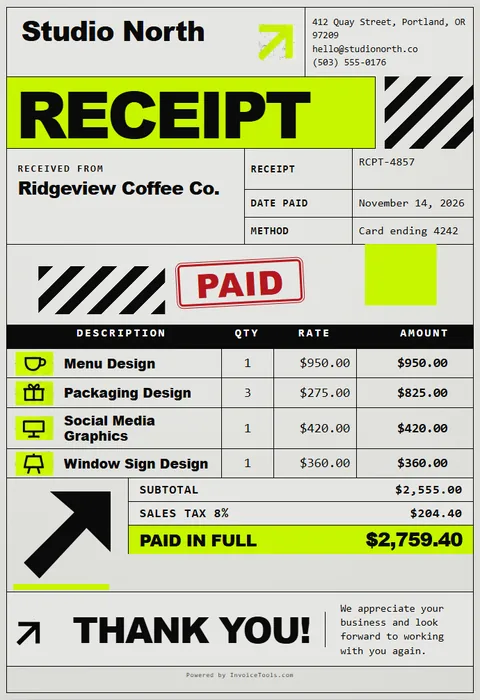
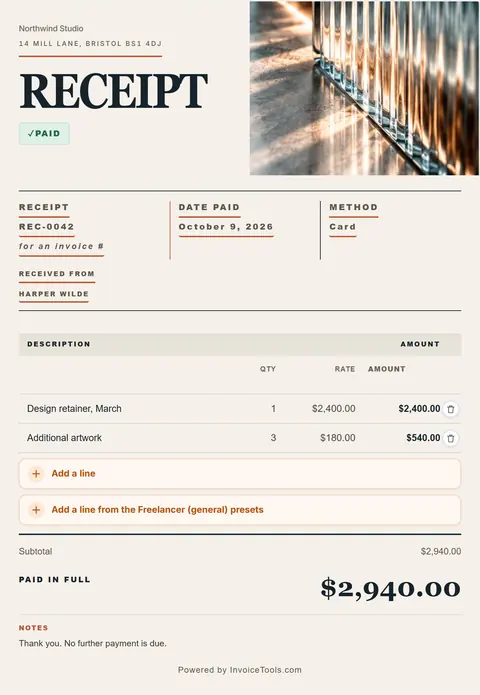
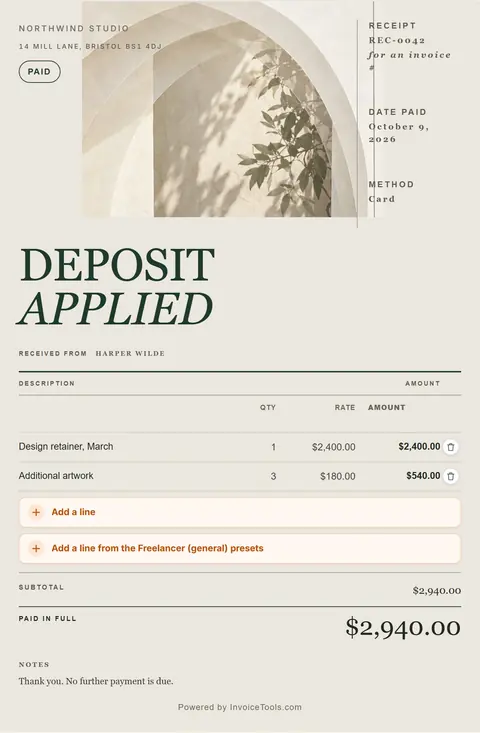
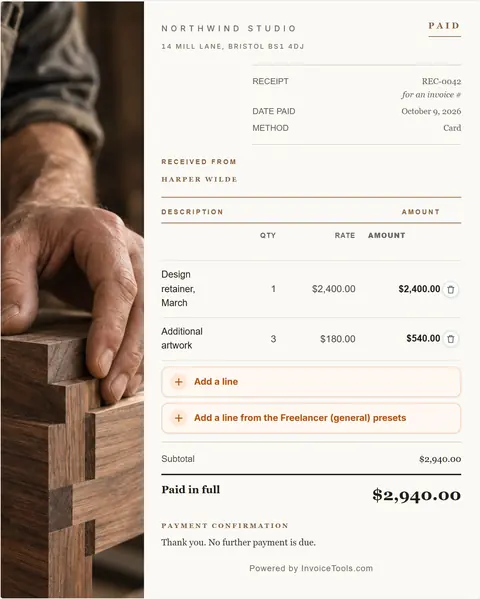
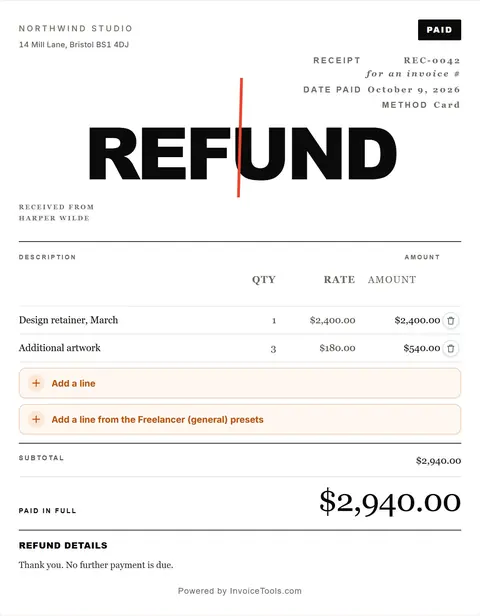
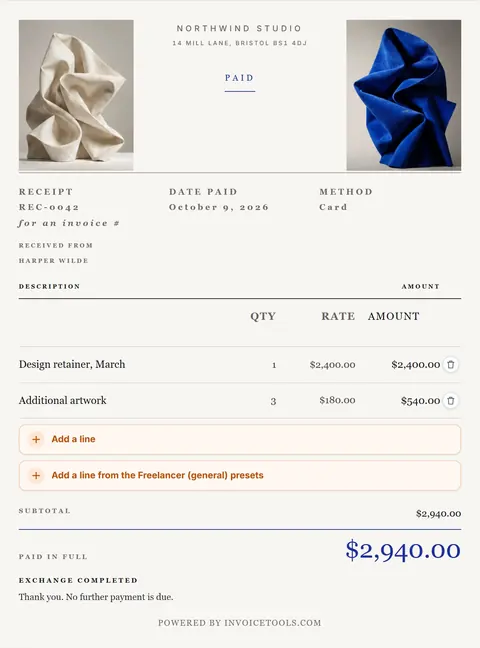
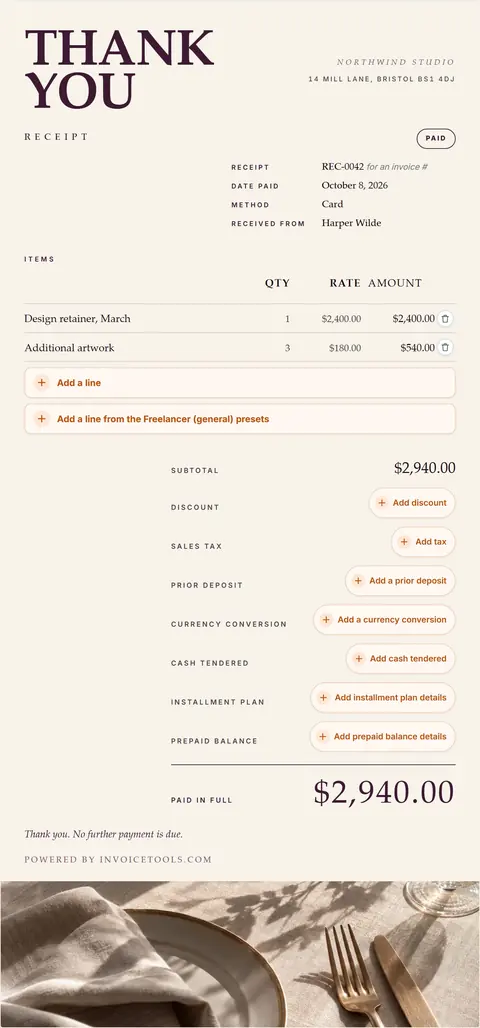
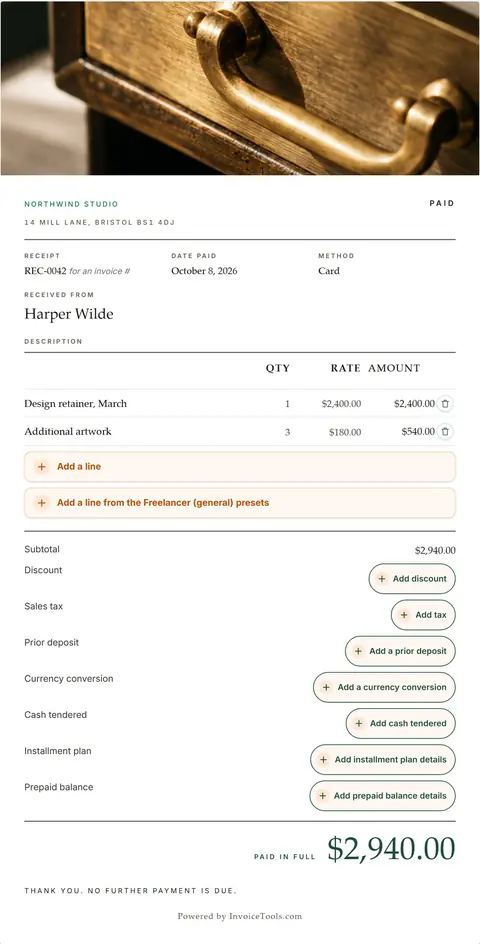
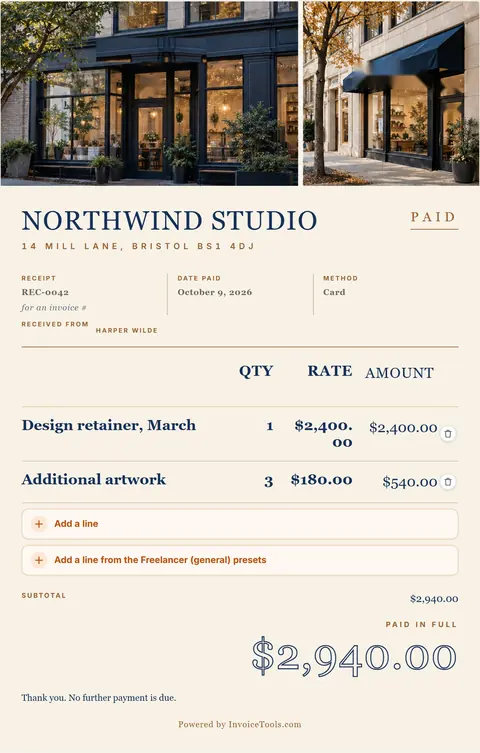
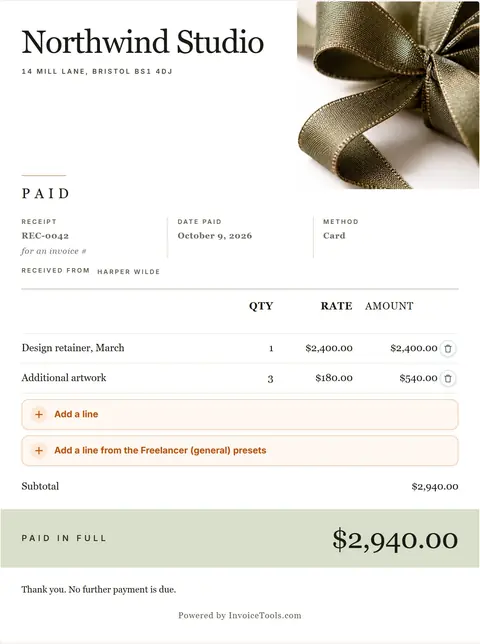
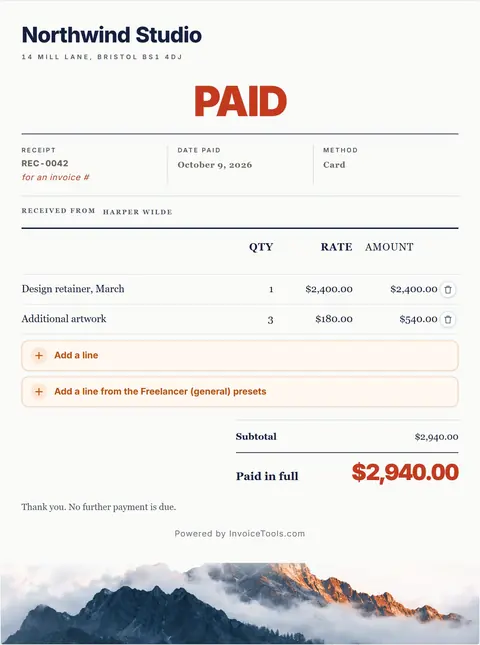
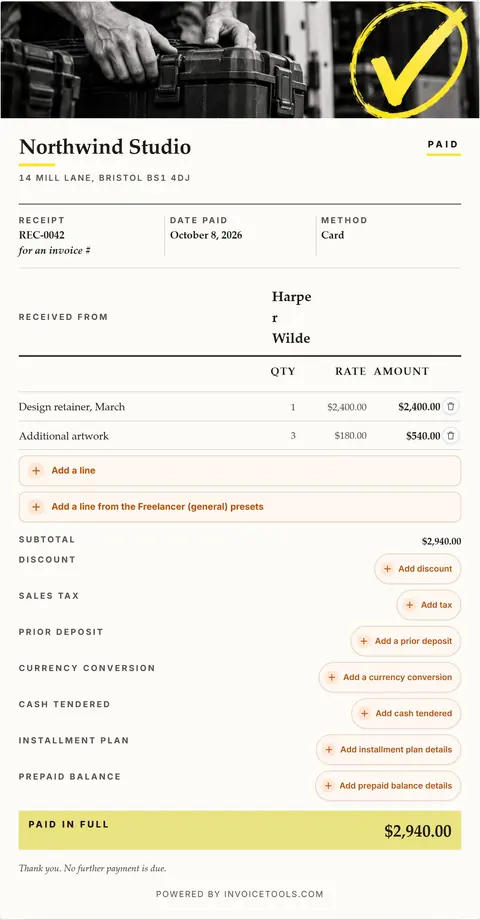
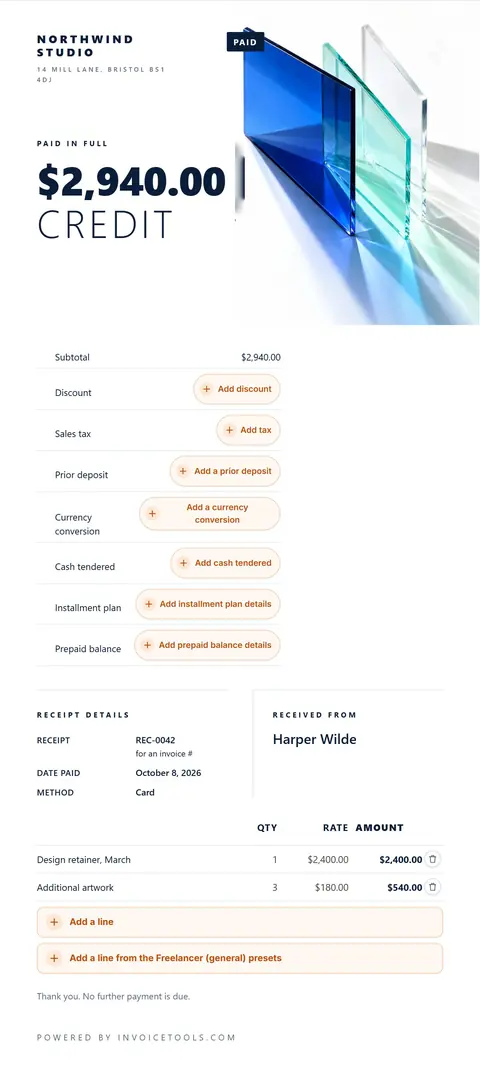
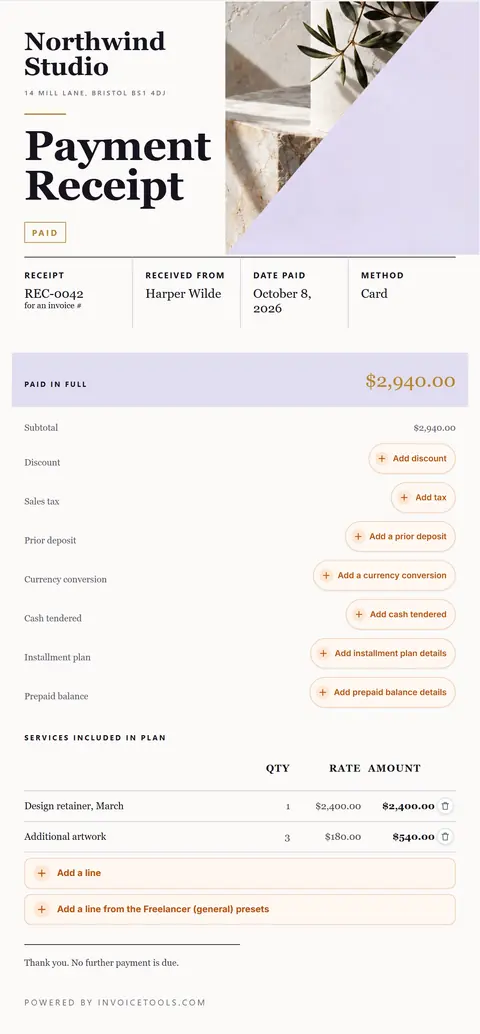
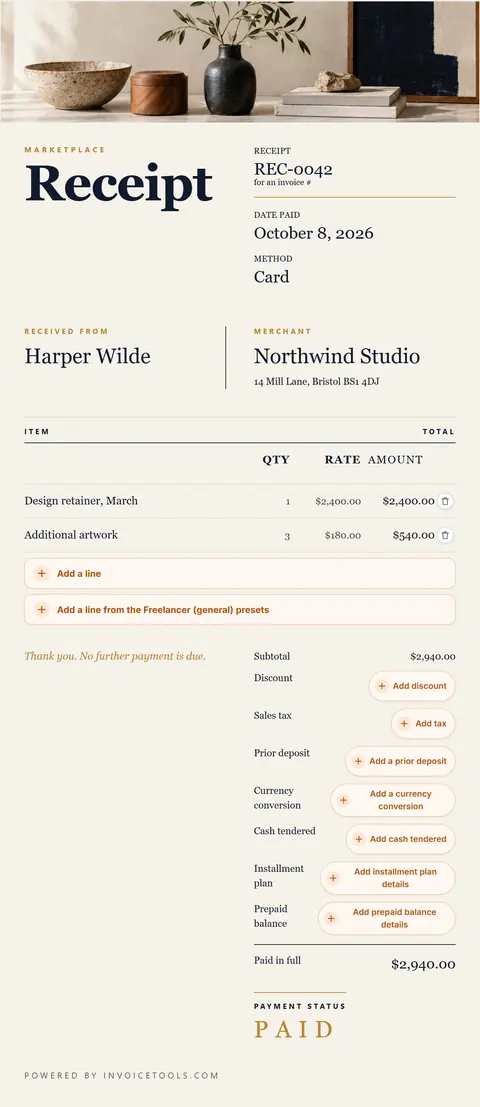
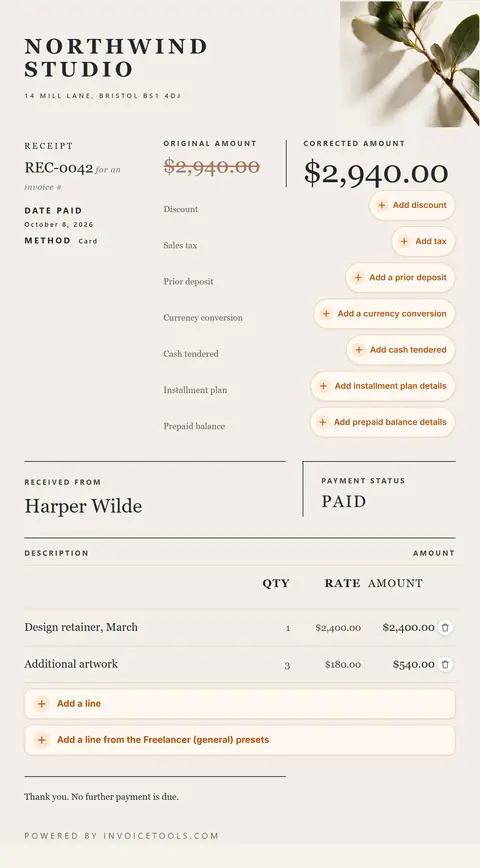
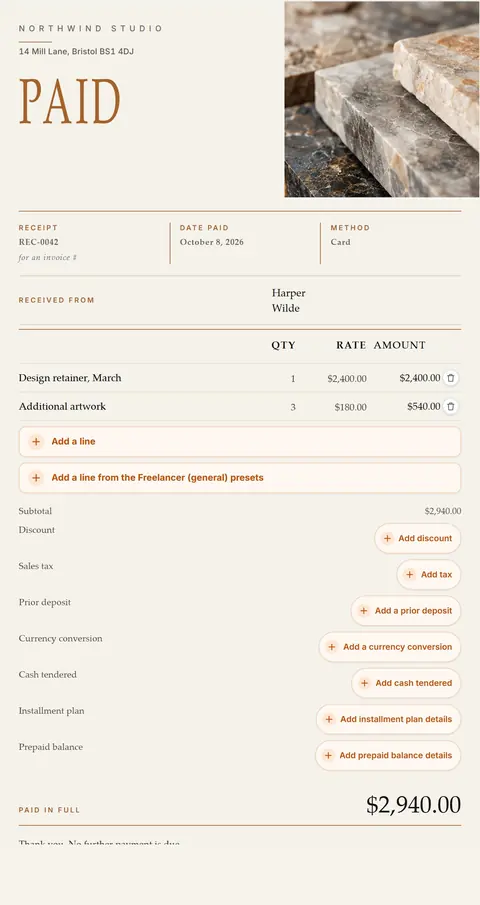
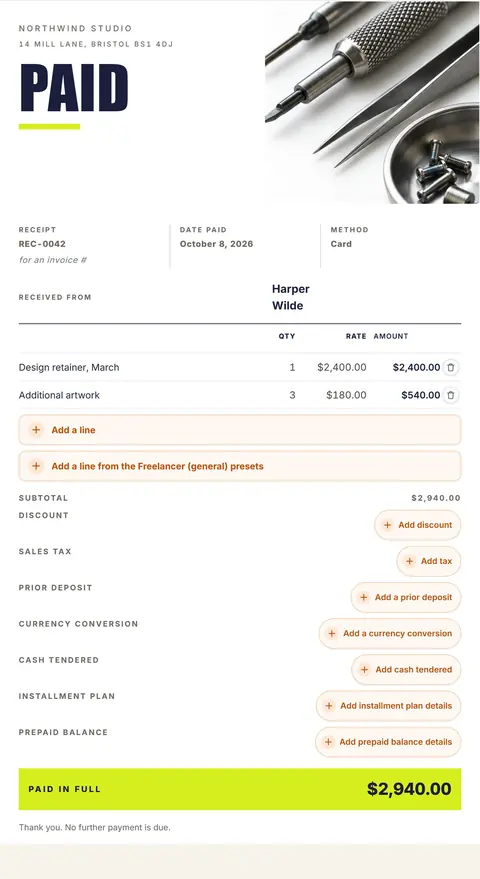
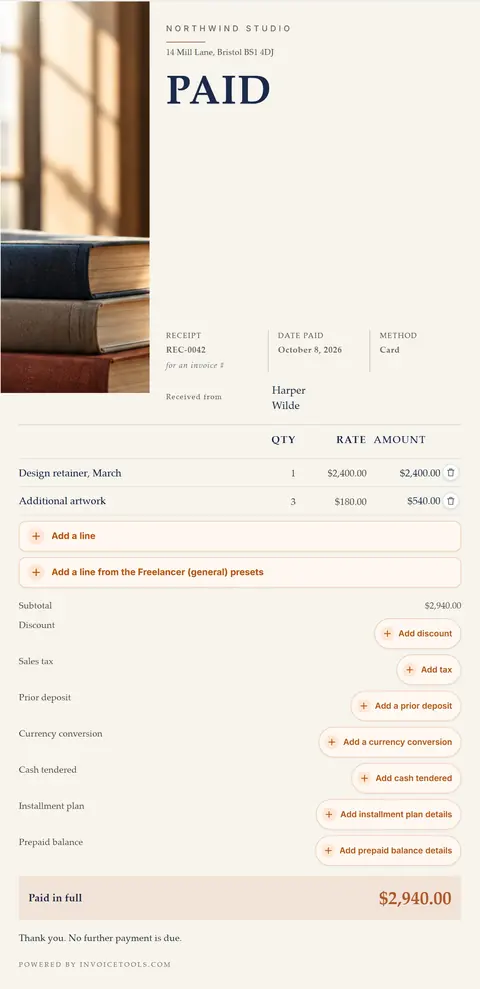
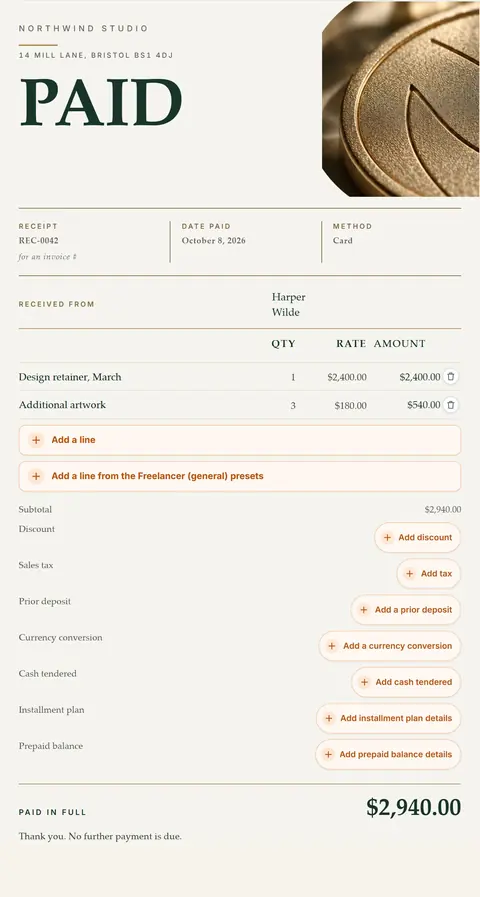
30+ receipt designs, open any one to edit

Download a blank receipt template

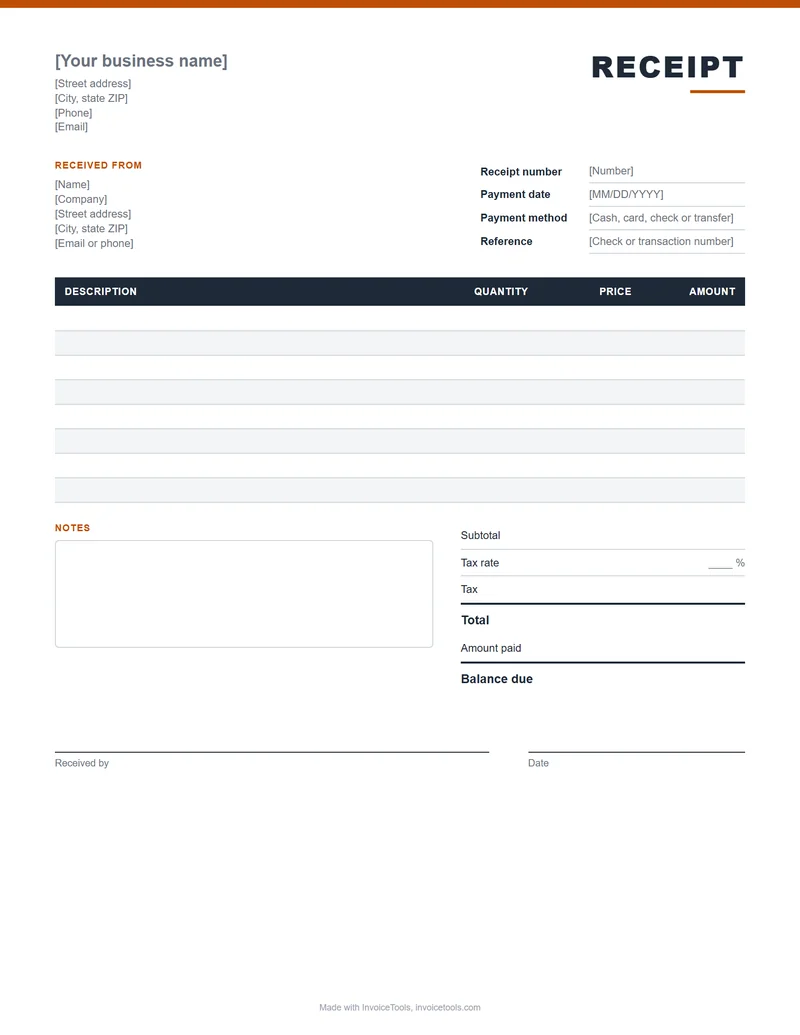
Blank receipt template with paid amount and payment method fields

A blank receipt with the payment date, payment method and reference, eight item rows, the total, the amount paid and any balance still due, with a received by signature line.

Pick the receipt you need

Blank receipt, printable PDF

Print it and fill it in by hand. The PDF has no form fields. Get the PDF

Receipt in Word

Type over the brackets. The file has no formulas, so you add the total yourself. Download the .docx

Receipt in Excel

The subtotal, tax, total and balance are worked out for you. Download the .xlsx

Cash receipt

Choose Cash as the payment method, add the items and print. Make a cash receipt

Rent receipt

A receipt for rent paid, with the period it covers. Write a rent receipt

Deposit or part payment

Choose Part payment, enter the amount received and the balance still owed prints on the receipt. Start a part payment receipt

Billing before the money arrives? Make the invoice first with the invoice generator.

Which receipt do you need?

The right layout depends on what the payment was for. Pick the type, then make it in the receipt maker or start from a design above.

Cash receipt

Cash changes hands and the receipt is the only record. Show the date, the items, the total, the cash received and the change given.

Sales receipt

The sale and the payment happen together, so one document does both jobs. List what was sold, the price of each item, tax on its own line and the total. The receipt glossary entry explains how it differs from a payment receipt.

Shop receipt

The counter version for a shop or market stall: your name and address, the date, each item with its price, the tax, the total and how the customer paid. Keep it to one short page.

Deposit receipt

Money taken before the work starts. Write what the deposit is toward, the amount and the date, and print the balance still due so nobody reads it as payment in full.

Part payment receipt

A payment that does not clear the bill. On a $1,200 job with $400 received, the receipt shows $400 paid and $800 still owed. Choose Part payment in the receipt maker and the balance prints for you.

Not sure it is a receipt?

An invoice asks for money and a receipt confirms it. The invoice vs receipt guide shows one $1,500 job with both.

Receipt template Word free

Word (.docx)Excel (.xlsx)PDF

A filled in receipt

Hollis Property Care paid part of a repair bill by check number 2208 on 11/05/2026. This is receipt R-0412.

DescriptionQtyPriceAmount
Deck board replacement1$380.00$380.00
Gutter cleaning1$180.00$180.00
Downspout bracket2$45.00$90.00
Subtotal$650.00
Tax (8%)$52.00
Total$702.00
Amount paid$500.00
Balance due$202.00

The math: $380.00 plus $180.00 plus 2 brackets at $45.00 ($90.00) is a $650.00 subtotal. Tax at 8% is $52.00, so the total is $702.00. The customer paid $500.00, which leaves a balance due of $202.00. The receipt says so, and it names the invoice it belongs to in the notes.

How to fill in the Word file

  1. Open the .docx in Word and replace the bracketed business details at the top.
  2. Type the receipt number and the payment date, which is the day the money arrived.
  3. Fill in who it was received from. Enter the payment method, and put the check or transaction number in the reference line.
  4. Give each item its own row: what it was, how many, the price and the amount.
  5. Enter the tax rate and work out the subtotal, tax and total. Then type the amount paid and subtract it to get the balance due.
  6. Sign the received by line, save a PDF and keep a copy with the invoice.

Templates

What a receipt is for

When a receipt is the wrong document

Until the money arrives, you want an invoice. A price named before the work starts goes on a quote or an estimate. Sending a crew somewhere takes a work order. A receipt covers only money you already hold, and the document flow explainer lays out where each one sits.

Receipt slips that cause trouble later

  • Dated for the work, not the payment. A receipt dated the day of the job says nothing about when the money arrived.
  • Method left out. "Paid" on its own cannot be matched to a bank line. Add cash, card, transfer or the check number.
  • A deposit that reads as payment in full. If it is partial, print the balance that remains.
  • No link to the invoice. Name the invoice number so the two documents can be filed together.
  • Fixing a receipt by overwriting it. Issue a new one with its own number and mention the one it replaces.

Receipt types

Cash sale

Name the seller, the sale date, the items and quantities, and the total. Show tax on its own line if you charge it, then the cash tendered and the change given. The receipt maker adds those two fields.

Deposit

The amount received, the date, and what the deposit is toward. Print the balance that remains so nobody reads it as payment in full.

Rent

The tenant, the address, the period the payment covers, the amount, the date and who took it. The rent receipt page builds one and has a worked example and state rules.

Donation

A nonprofit's written acknowledgment for a gift of $250 or more names the organization and the cash amount, or describes donated property, and says whether any goods or services were given in return. The donation receipt template has the IRS wording.

What goes on a receipt

Printing, files and accounts

Print a receipt from the browser and only the document reaches the paper. The blank Word, Excel and PDF files above need no account, and neither does the receipt maker, which walks through the fields one at a time. Opening one of the designs in the editor needs a free account.

A page for each trade

Browse all

The details, when you need them

A part payment, worked through
LineAmount
Labor, 3 hours at $85.00$255.00
Parts$187.50
Sales tax, 8% of parts$15.00
Invoice total$457.50
Received by card ending 4417, 3 November$200.00
Balance remaining on INV-2026-0118$257.50
What the blank receipt file carries
A deposit receipt and a final receipt for one invoice
ReceiptDate and methodAmount paidBalance remaining
REC-2026-00513 November, check 1187$450.00$1,350.00
REC-2026-006324 November, bank transfer$1,350.00$0.00
Total received$1,800.00
A cash sale with change
LineAmount
Item A, 2 at $14.50$29.00
Item B, 1 at $11.00$11.00
Subtotal$40.00
Tax at 7.5%$3.00
Total$43.00
Cash tendered$50.00
Change given$7.00

The blank files have no cash tendered or change field, so on paper write the change in the notes. The receipt maker can add cash tendered and works out the change given for you.

What a receipt has to survive
  • A number you can search. Search for REC-2026-0042 and that one payment comes up. A receipt with no number is a piece of paper.
  • The date the money arrived, not the date of the work. That is the date the receipt is proof of.
  • The method. Cash, card, bank transfer, check. Cash receipts carry the change given, card receipts the last four digits, transfers the reference the payment came in under.
  • What was paid for, itemized, and the tax shown separately if you charge it.
  • Which invoice it settles, if it settles one, and the balance left if it settles part of one.
Giving the receipt on the spot

Every design prints from the browser, so a receipt can be in someone's hand before they leave. Fill it in, print it, and the editor is stripped out of the print so only the document reaches paper. If they would rather have it digitally, export the PDF or the PNG and send it from your phone. The receipt maker does the same job with guided fields, and the invoice templates raise the bill the receipt settles.

Receipt template questions, answered

How long should I keep receipts?

In the US, the IRS says to keep records as long as they may be needed to prove income or deductions on a return. See the IRS recordkeeping page and check any rule where you file.

Put your trade on the page

Off until you turn it on. Hide it again and your chosen treatment is remembered. On a receipt the mark sits in clear margin space, away from the amount and the payment method, and it prints and exports with the page. It is not a logo, so your own logo keeps its usual place.

Pick your own trade from the industries index, where each page shows its receipt designs and a pre-filled generator.

Send it yourself, or send it and watch it

Everything here is free. Generators, calculators and downloads need no account. Send a document as a link instead and you see when it was opened, which line they questioned, and who signed it, so chasing becomes a decision rather than a guess.

The first four documents you send as a tracked link are free with an account. Everything else on Invoice Tools stays free. Generators, calculators and downloads need no account; template designs need a free one.