
AI powered creation
Type it, snap it, or say it.
Turn your job notes into a professional invoice with AI. Get the right line items for your trade.
Installed a 50-gallon water heater. 3 hours labor. Permit included.
Generate invoiceInvoiceTools puts free invoice tools in one place. Create invoices, quotes, estimates, purchase orders, work orders and receipts with profession-specific line items, templates, calculators and payment tools. Fast, free and easy to use.
Get trade-specific templates, line items and tools built for the way you work.


Professional templates
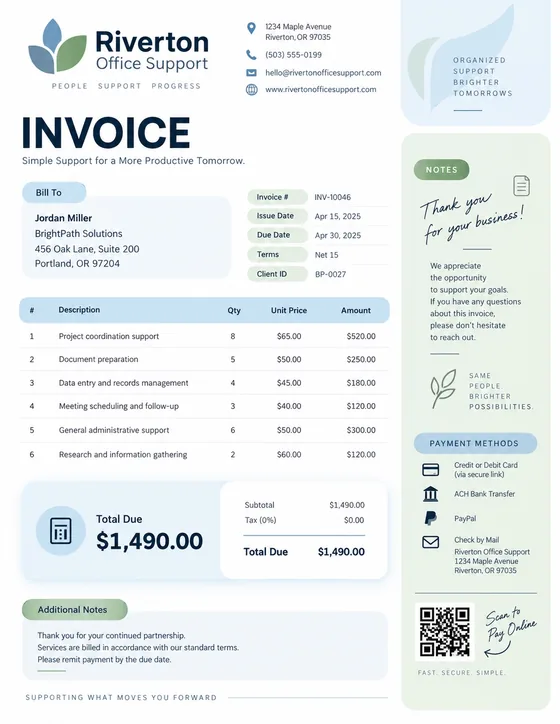
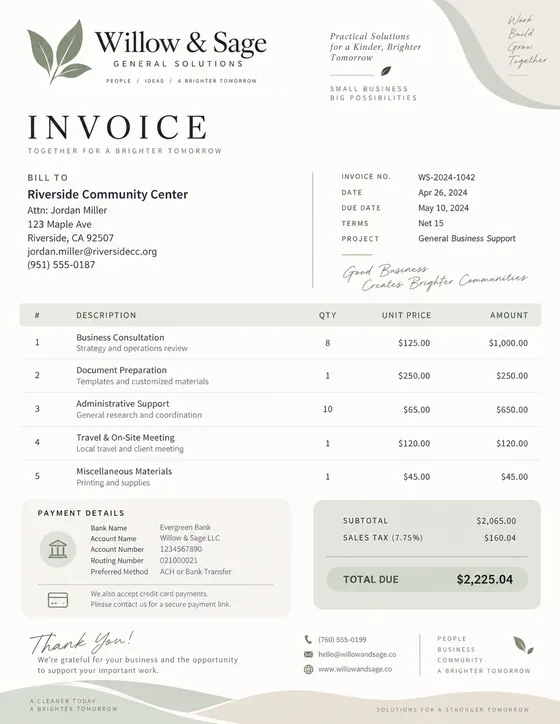
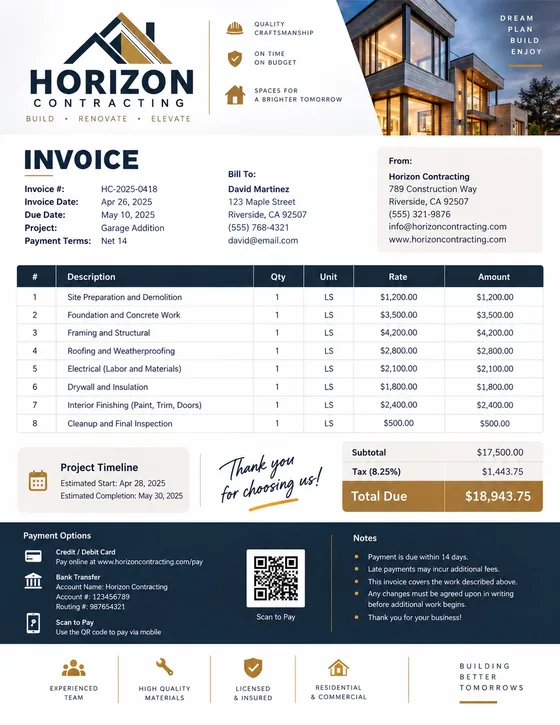
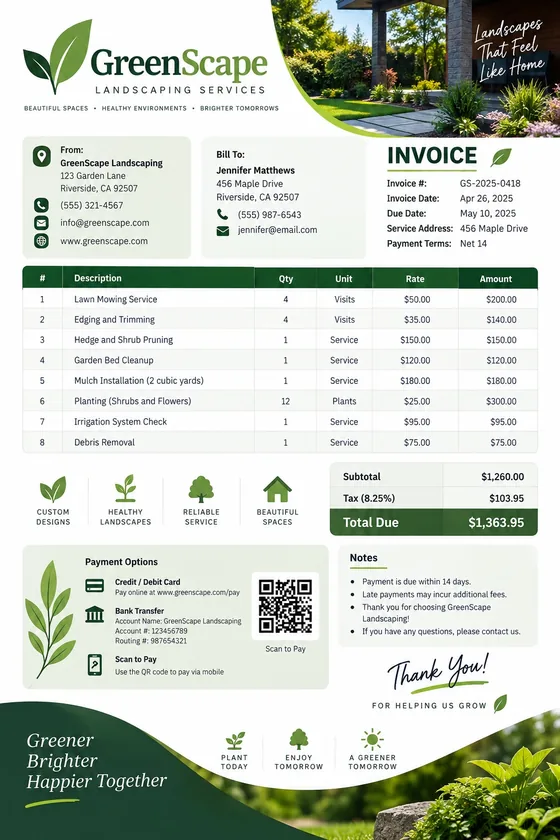
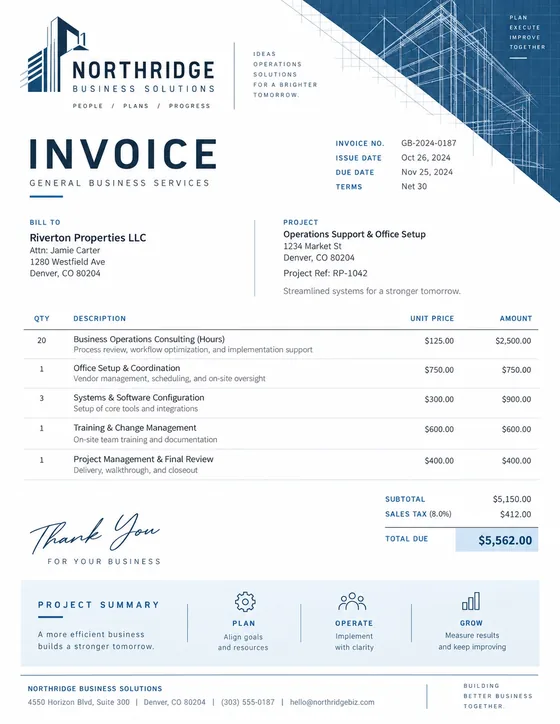
Choose from 278 templates, plus designs made for each of 46 trades. Each template is designed with trade-specific layouts and line items. Modern, professional and easy to customize.
A simple workflow
Everything you need in one place. From the first estimate to the final payment.
Choose your profession, get relevant line items and customize your design.
Share a PDF, payment link or QR code with your customer.
Track when it's viewed and get paid faster.
AI powered creation
Turn your job notes into a professional invoice with AI. Get the right line items for your trade.
Installed a 50-gallon water heater. 3 hours labor. Permit included.
Generate invoiceSame design. Multiple documents.
Use the same professional design for your quote, estimate, work order, invoice and receipt. Keep everything consistent.
Estimate
Work Order
Invoice
ReceiptPayment links & tracking
Share a payment link or QR code, see when it's opened, and get paid faster.
Free calculators & tools
Free calculators, generators and tools to price jobs, plan materials and create accurate estimates.
Also popular: Invoice calculator · Freelance hourly rate · Late fee calculator · Billable hours · Retainer calculator · What markup means
Helpful guides
Step-by-step guides, pricing tips and trade-specific advice.
View all guides
Plumbing Invoice GuideHow to invoice plumbing work
HVAC Invoice GuideInstallations and maintenance
Electrical Invoice GuideWiring, panels and repairs
Contractor Invoicing GuideProjects and change ordersMore guides: Catering invoices · Tiling invoices · Invoice numbers · Due dates · Deposits
In every document
Every tile below is a live tool, free, and runs in your browser.
Type on the left and the client's sheet follows on the right, every keystroke.
Try itThe receipt prints the balance still owed and a code to clear it.
Try itPDF, PNG, JSON and CSV, in USD or the symbol your client uses.
Try itAfter you send
A PDF leaves and you hear nothing. Send the same document as a link and the quiet part becomes visible: what they questioned, who signed, and what the job made you.
Approve the rest, query the tiling, ask for two more downlights. You get a priced change to agree rather than a renegotiation of everything.
Their name, the time and their IP address on the document. A signed quote is the argument you do not have to have in month three.
Materials, subcontractors and everything you have not rebilled yet, next to what you invoiced. Revenue says a job was big. Only profit says it was worth taking.
See how tracking works Building and downloading stays free and needs no account. The first four documents you send as a tracked link are free too.
Free account
Generators, calculators and downloads work without an account. An account is for template designs, and for when you want to know what happened to the document after you sent it.
No card for the Free plan.
Before you start
Short answers, no marketing.
Something else on your mind? Ask us directly
Yes. Each calculator, generator and template design costs nothing, with no watermark and no cap on the paperwork you produce. Calculators, generators and downloads need no signup, and template designs need a free account. That does not change. The optional account that stores and tracks your documents has a free plan, and Pro and Business are optional paid plans. Prefer a plain file? Free invoice templates for Word, Excel and PDF are one download away.
Nowhere, by default. The calculations and the document are built in your own browser, so what you type never reaches a server. A working draft does save locally in this browser, so a reload does not lose what you typed, but that draft stays on your device and clearing your browser's site data removes it. Signing in to save your work, sending a document as a tracked link, or using AI drafting each send data to a server, only when you choose one of them.
Yes. Upload a logo, set an accent color and pick a font. Every one of the 278 templates supports the same branding controls.
Yes. Set your own currency and tax rate, and use the VAT calculator for EU, UK and other VAT or GST rates. Add a VAT ID or GSTIN as a note on the invoice.
Glossary
The ones people look up most.