Estimate Templates
Free estimate templates
Break the job into costs, ranges and allowances before the scope is firm, then hand over a clean PDF. Edited entirely in the browser.
30+ estimate designs for freelancers, agencies and independent trades. Change the color, the type and every line of content on the page.
- Free designs, free account
- Nothing uploaded unless you save, share or use AI
- PDF, PNG, print, CSV
Need a file? Download a blank estimate template in Word, Excel or PDF (a job site, valid until date, assumptions and an approval signature). Or pick a design below and edit it in your browser.
30+ estimate designs, open any one to edit
Pick a design and it opens right here with a free account, ready to type over. What you type stays on your device unless you save to an account, send a tracked link or use the optional AI helper.
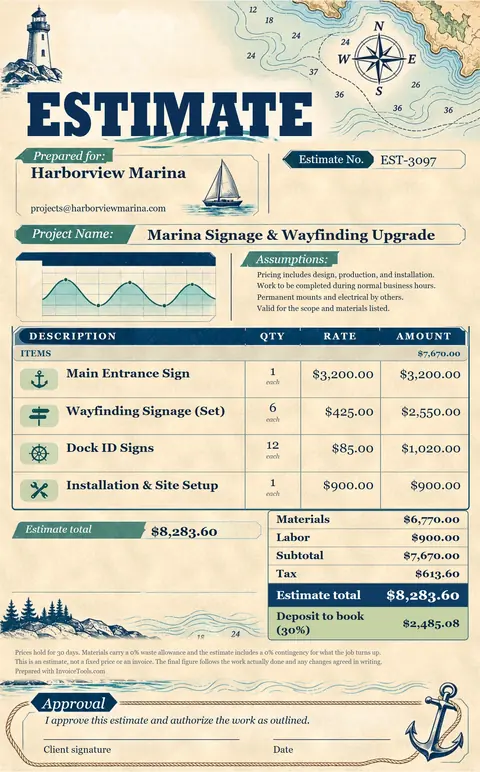 Tide Chart
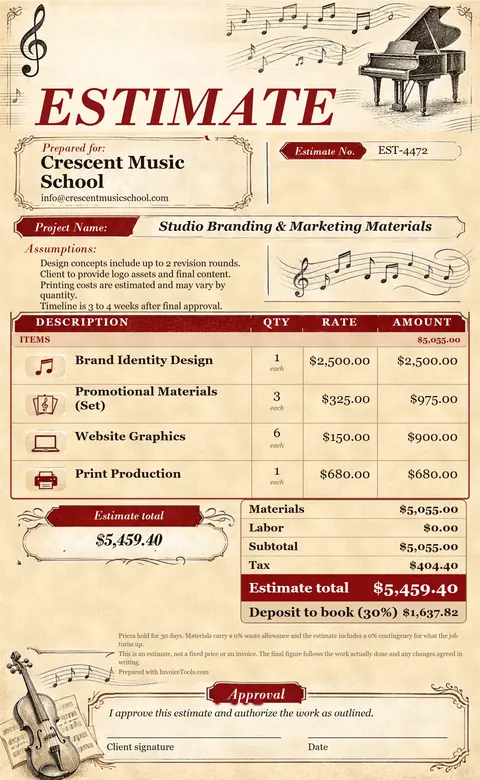 Sheet Music
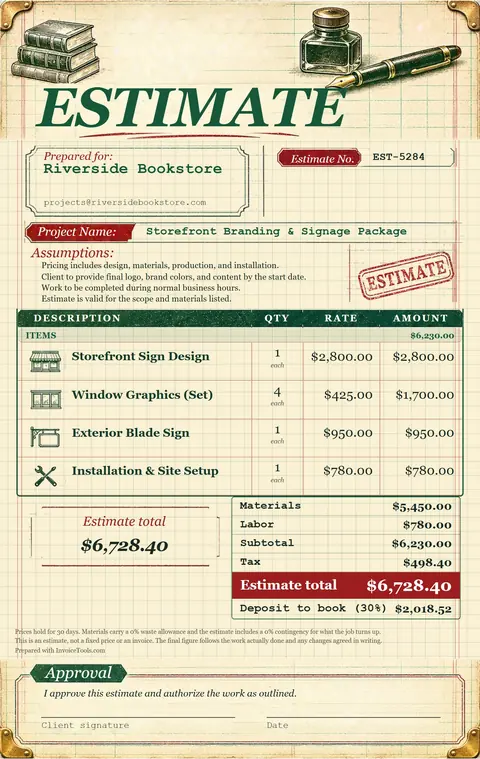 Ledger Paper
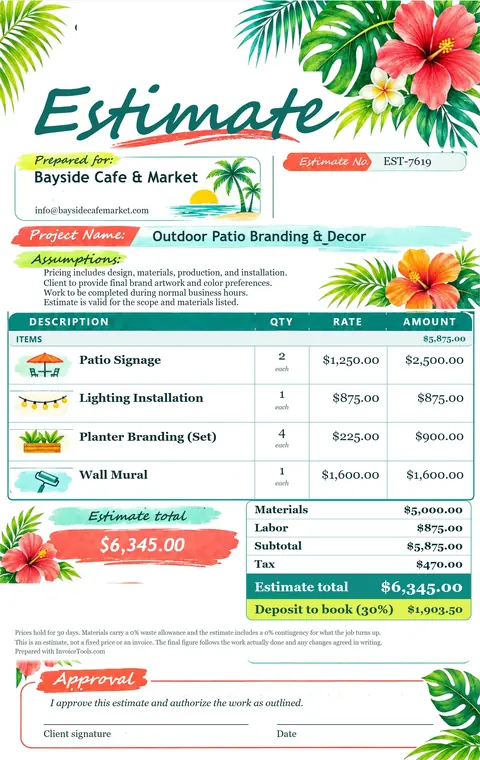 Tropical
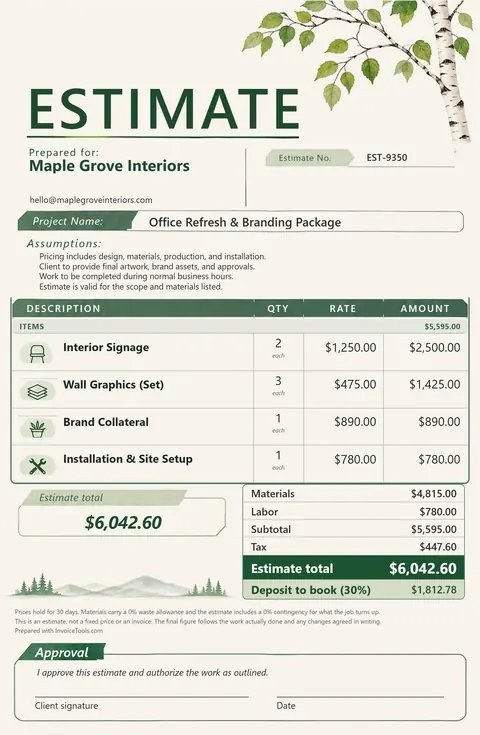 Nordic Minimal
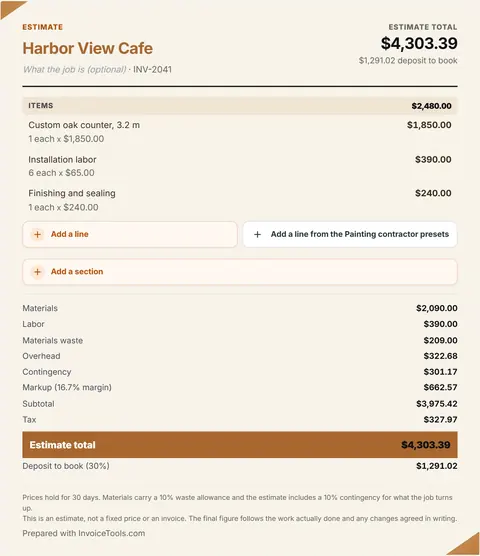 Copper Fold
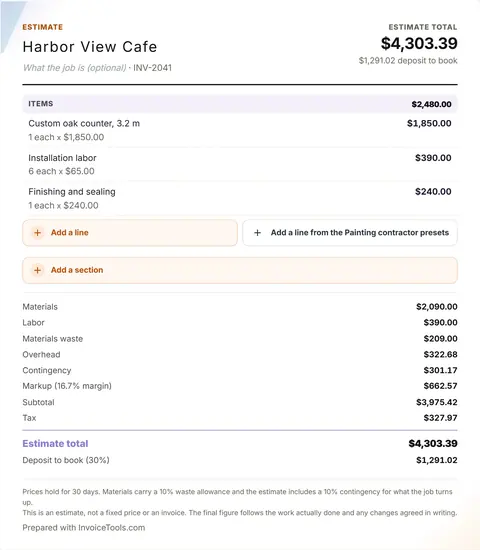 Prism
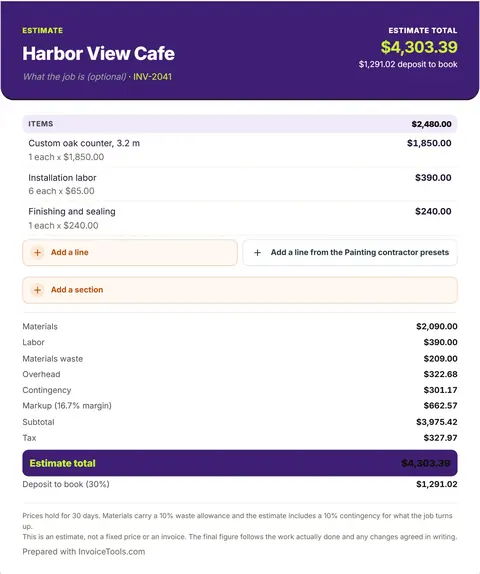 Split Horizon
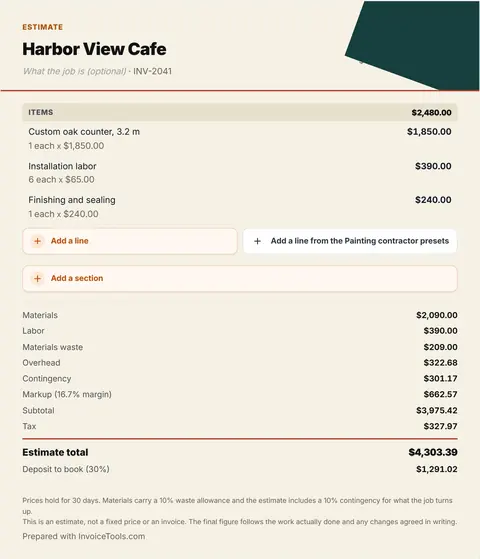 Axis
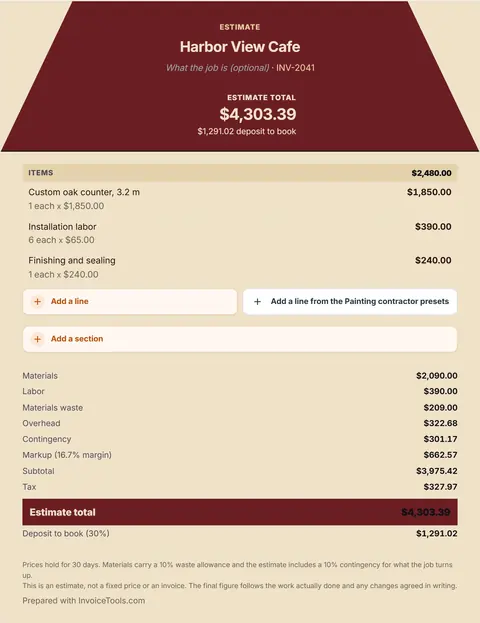 Keystone
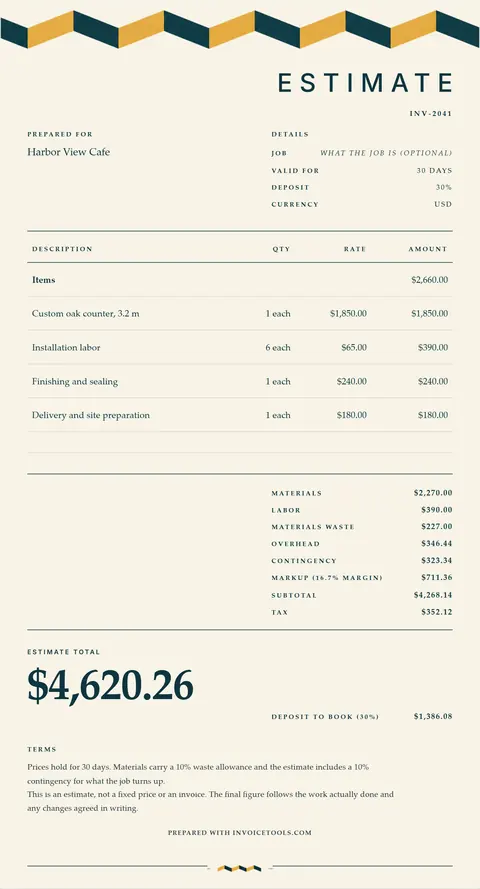 Concertina
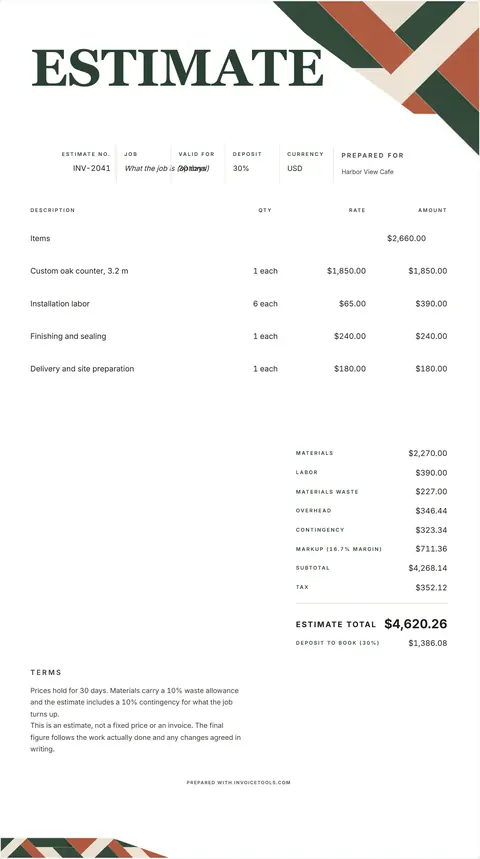 Dovetail
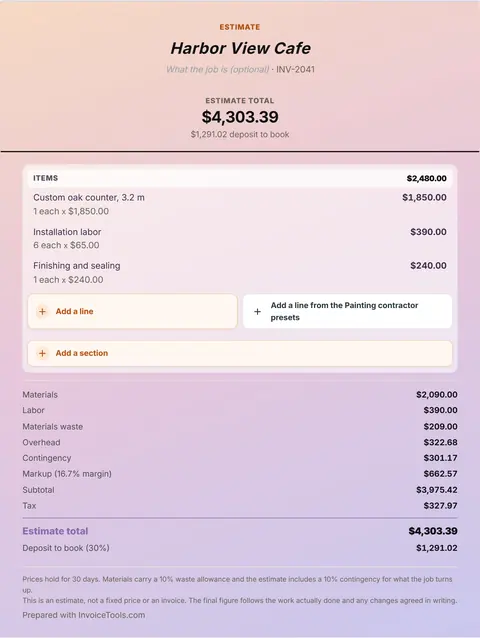 Afterglow
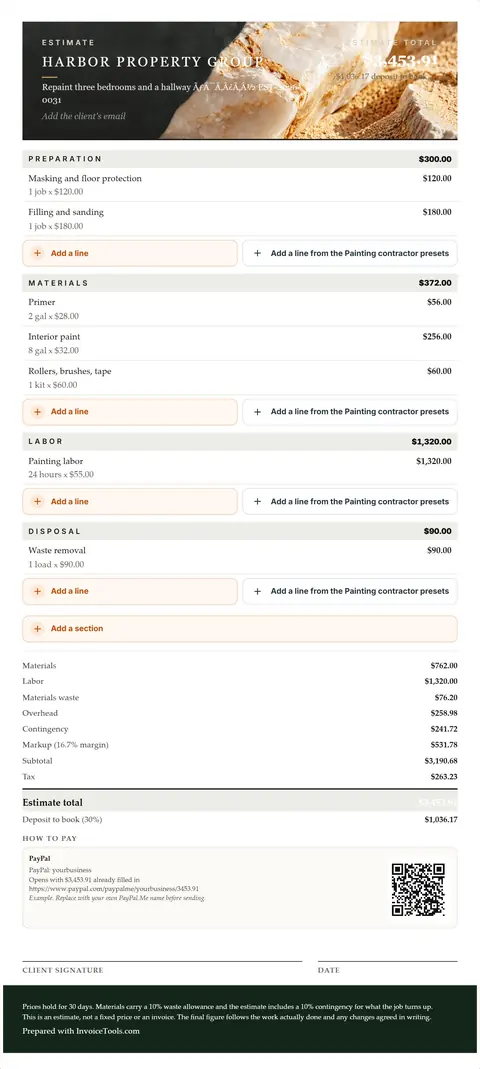 Mineral Study
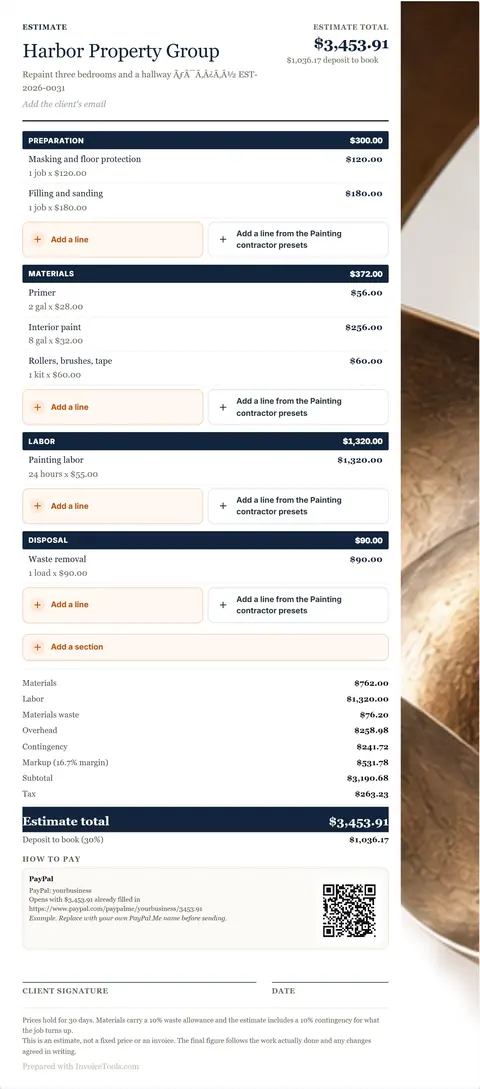 Grand Editorial
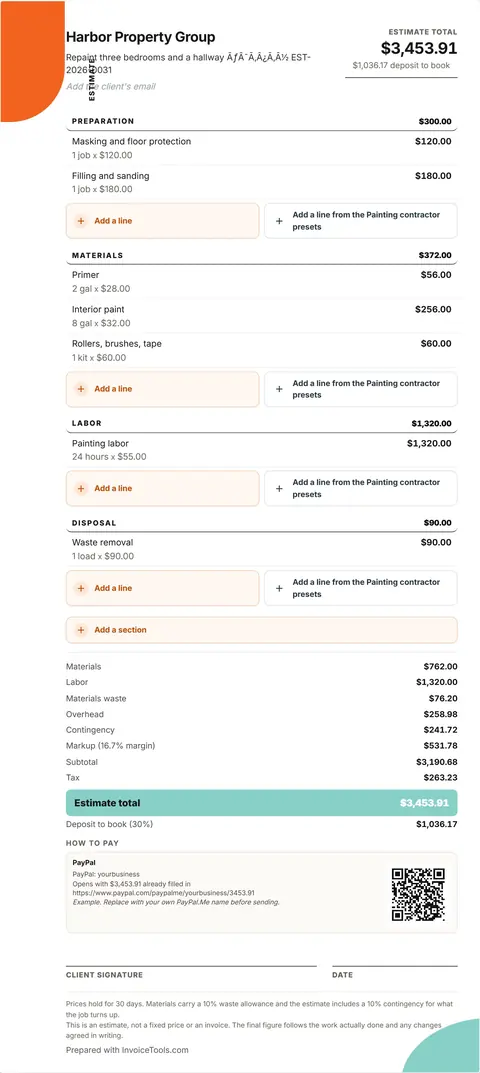 Architectural Arch
 Terrazzo
 Paper Cut
 Sunlit Desk
 Layered Horizon
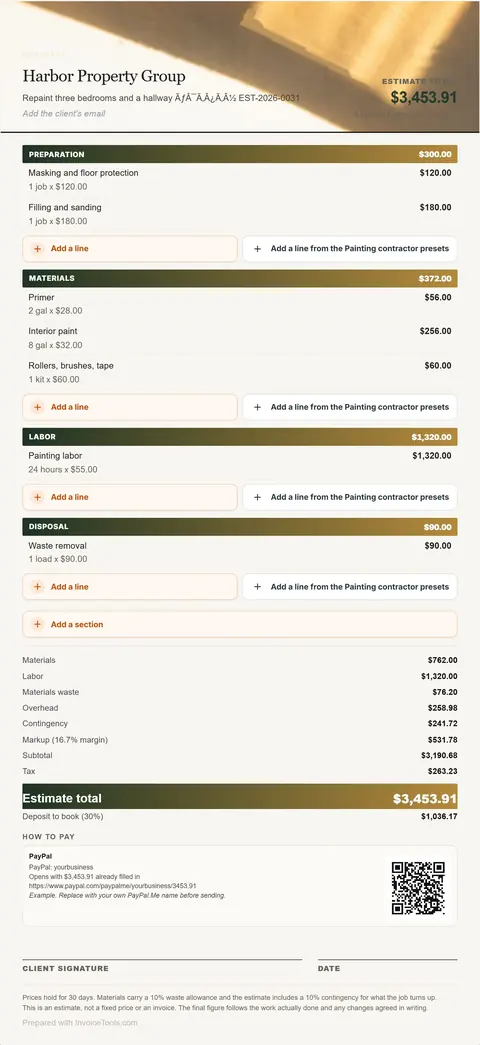 Golden Hour Type
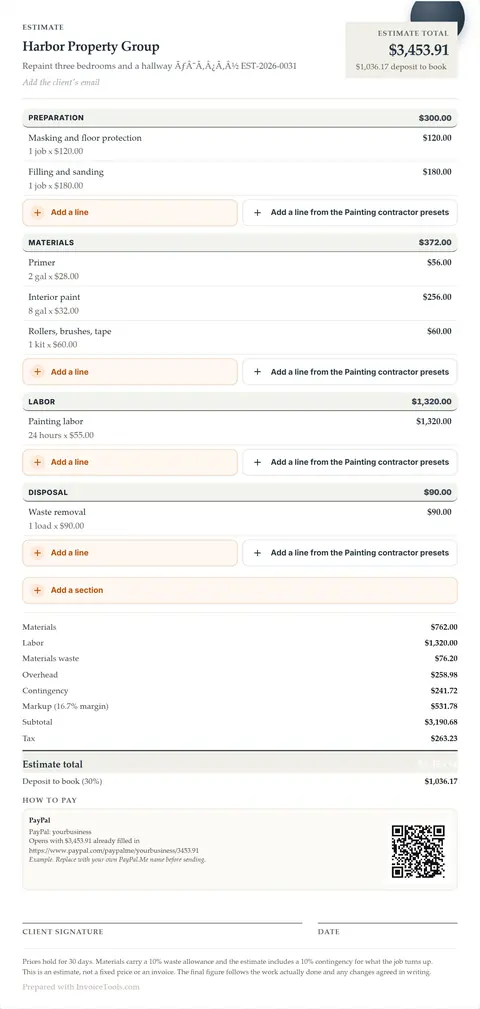 Floating Disc
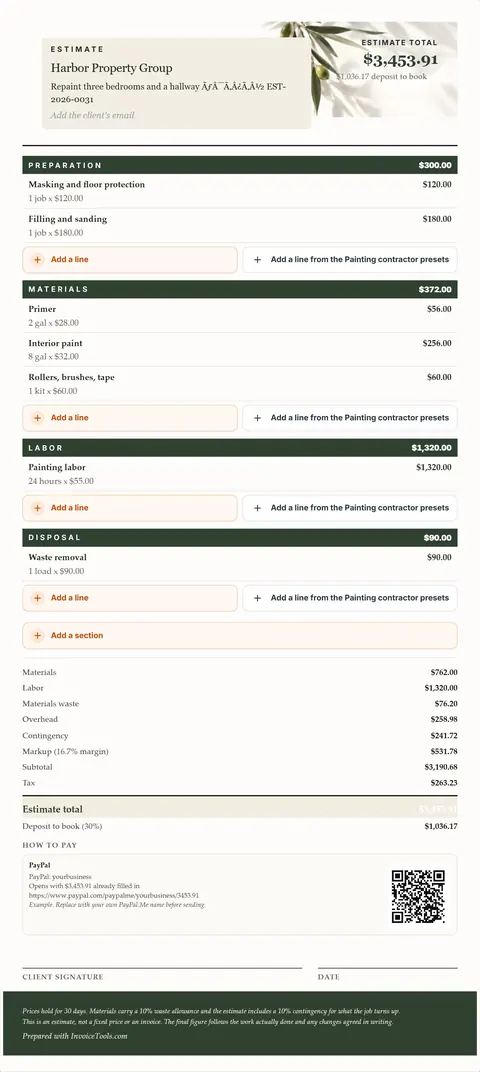 Olive Paper
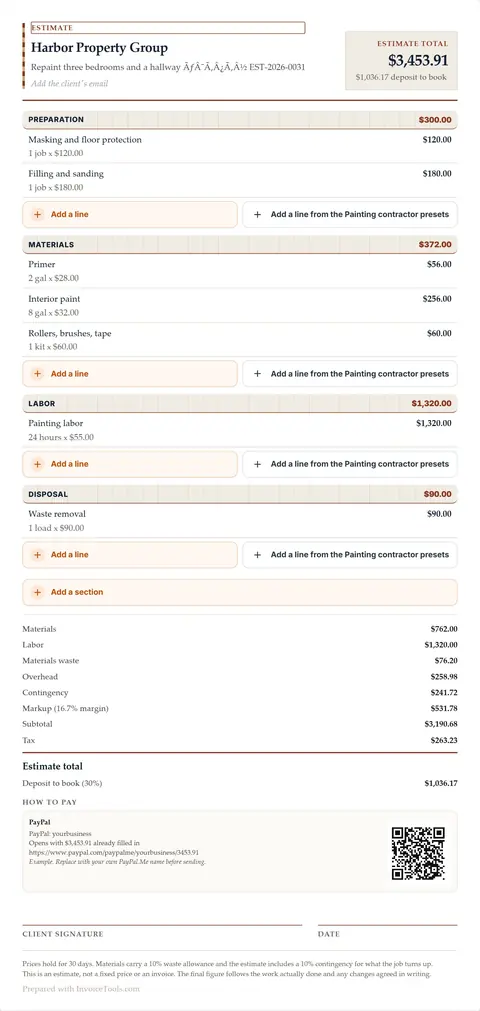 Terracotta Tile
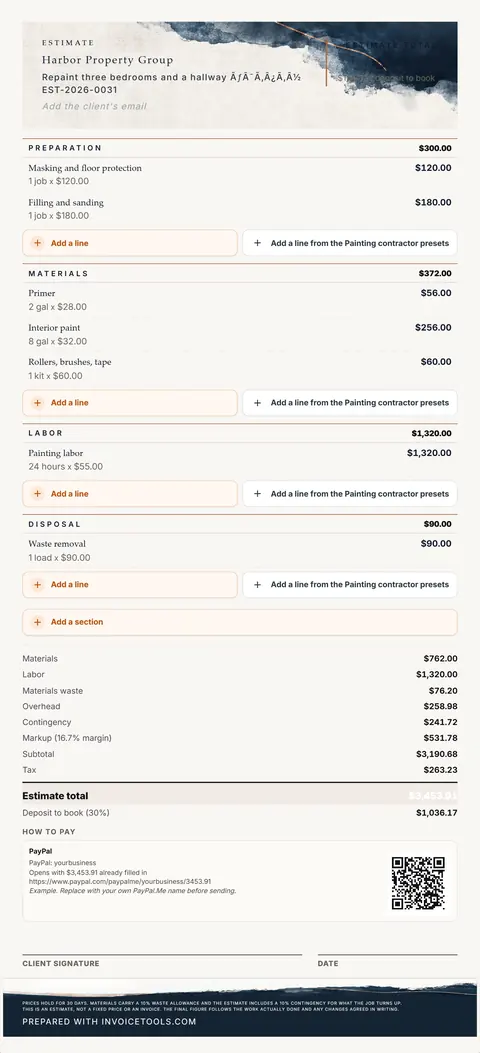 Ink & Linen
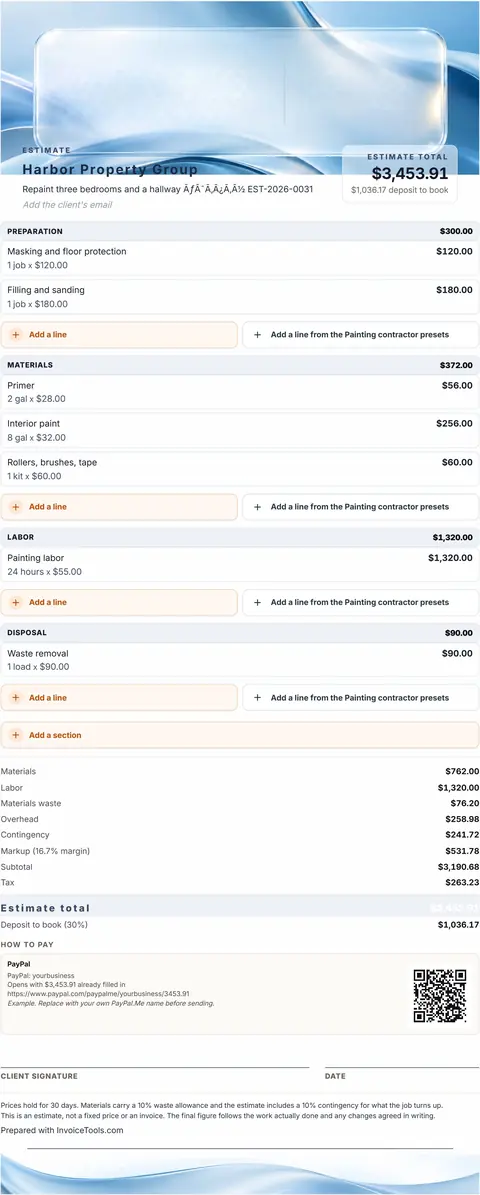 Glass Card
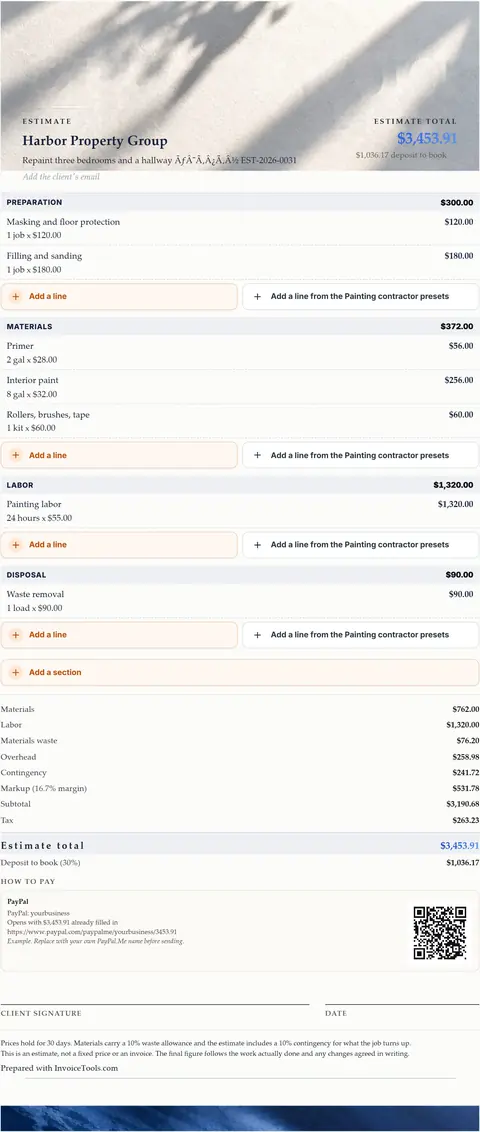 Raked Light
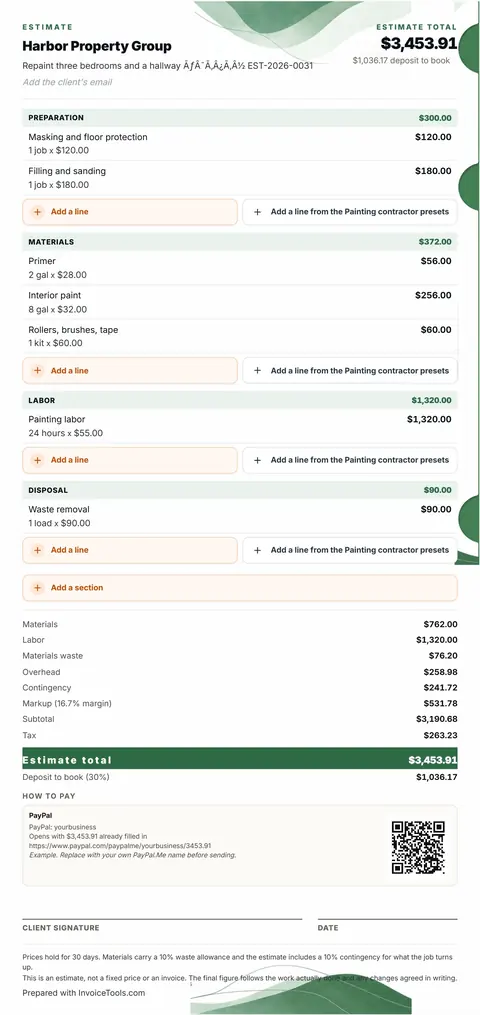 Punched Tab
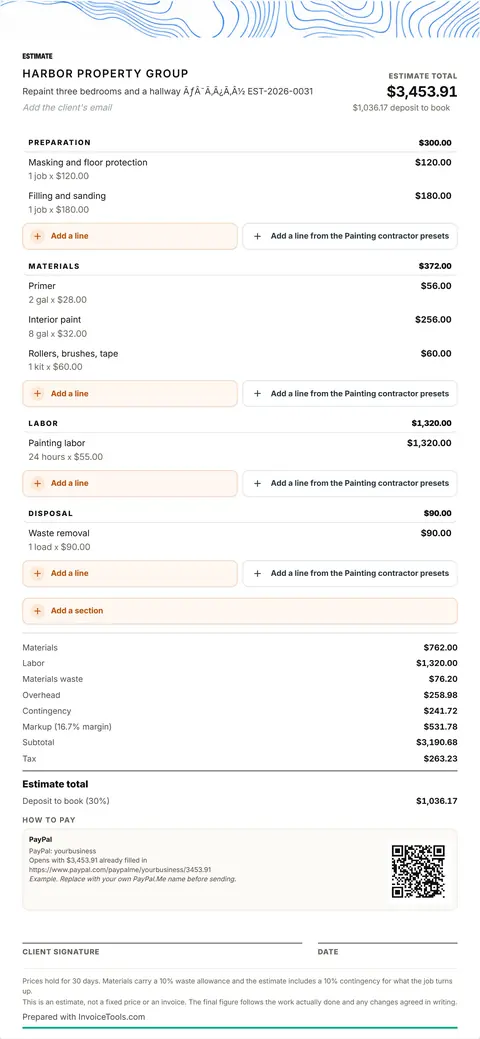 Contour Edge
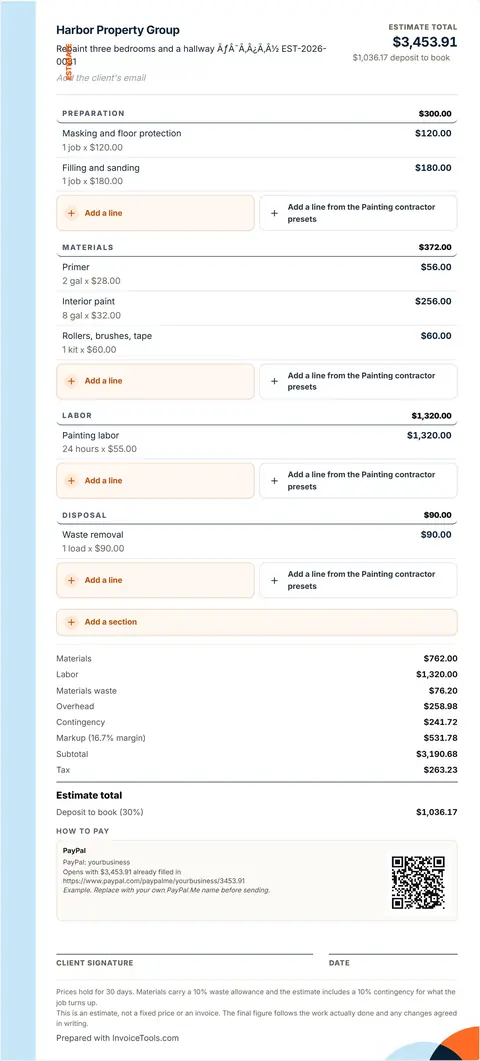 Offset Masthead
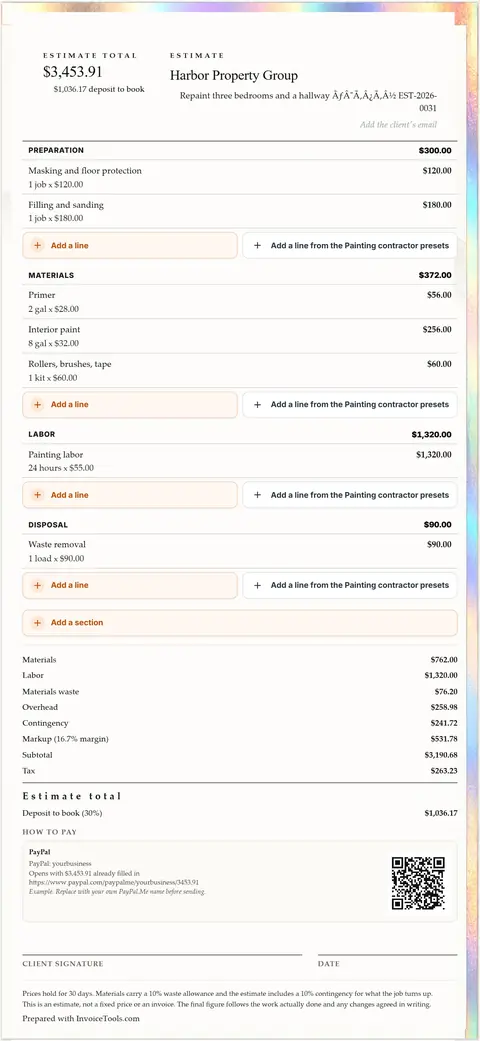 Holographic Edge
Download a blank estimate template
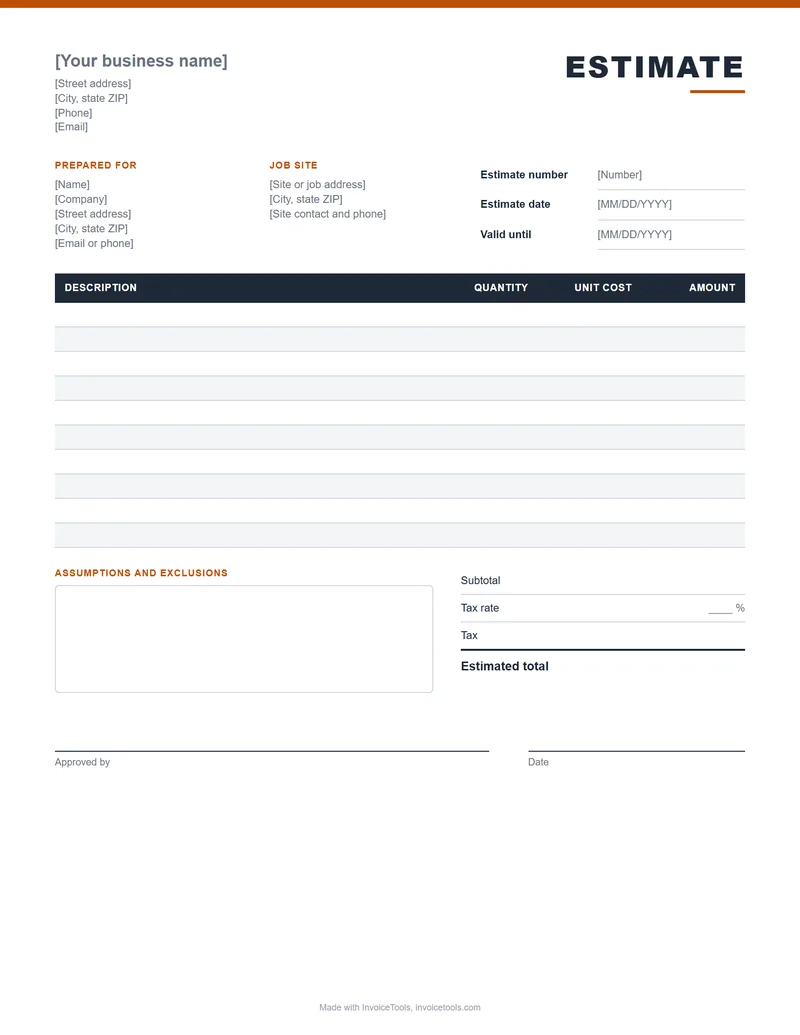
Estimate template Word free
The Word estimate on this page is a free .docx with no signup and no watermark. Open it in Word, fill in who it is for and where the job is, and print it or save a PDF. It has an estimate number, estimate date, a valid until date, description, quantity and unit cost rows, a box for assumptions and exclusions, subtotal, tax, an estimated total and an approved by line. The Word file has no formulas. The Excel file works out each line and the total.
A filled in estimate
Estimate EST-1186 prices a bathroom refresh at Orchard Lane. It is dated 11/05/2026 and valid until 12/05/2026.
| Description | Qty | Unit cost | Amount |
|---|---|---|---|
| Demo and haul-away | 1 | $450.00 | $450.00 |
| Vanity install | 1 | $320.00 | $320.00 |
| Floor tile, per sq ft | 40 | $11.50 | $460.00 |
| Plumbing fixtures allowance | 1 | $600.00 | $600.00 |
| Subtotal | $1,830.00 | ||
| Tax (8%) | $146.40 | ||
| Estimated total | $1,976.40 | ||
The math: $450.00 plus $320.00 plus 40 square feet of tile at $11.50 ($460.00) plus a $600.00 fixtures allowance is a $1,830.00 subtotal. Tax at 8% is $146.40, so the estimated total is $1,976.40. In the assumptions box the estimate says the subfloor is sound and the $600.00 covers the fixtures only. If the client picks pricier fixtures, that is the line that moves.
How to fill in the Word file
- Replace the bracketed business details, then fill in who the estimate is prepared for and the job site.
- Type the estimate number and date, then a valid until date.
- List the work as description, quantity and unit cost. Put anything still unpriced in as a named allowance.
- Write the assumptions and exclusions in the box, for example what condition you assumed the existing work is in.
- Enter the tax rate, then the subtotal, tax and estimated total.
- Send it. The approved by line is for the client to sign.
Templates
What goes on an estimate
Turning a range into a price
Once the client picks materials and you have measured, send a quote with the allowances replaced by real lines. Ten trades have their own estimate page with worked allowances, linked at the end of this page. The estimate maker builds the same structure from fields, with no account needed. Opening a design in the editor here needs a free account.
A page for each trade
Browse all
- Plumber estimate template
- Electrician estimate template
- HVAC estimate template
- Contractor estimate templateprogress billing and retention
- Carpenter estimate template
- Painting estimate template
- Roofing estimate template
- Landscaping estimate template
- Handyman estimate template
- Locksmith estimate template
- Flooring estimate template
- Tiling estimate template
- Auto repair estimate template
- Appliance repair estimate template
- Pest control estimate template
- House cleaning estimate template
- Moving estimate template
- Welder estimate template
- Photography estimate template
- Videographer estimate template
- Graphic designer estimate template
- Web designer estimate template
- Writer estimate template
- Musician estimate template
- Social media estimate template
- Illustrator estimate template
- Consultant estimate template
- Accountant estimate template
- Lawyer estimate template
- IT services estimate template
- Marketing estimate template
- Architect estimate templatehourly and milestone billing
- Engineer estimate template
- Translator estimate template
- Real estate estimate template
- Tutor estimate template
- Personal trainer estimate template
- Therapist estimate template
- Event planner estimate template
- Catering estimate template
- Salon estimate template
- Pet services estimate template
- Driving school estimate template
- Nanny estimate template
- Freelancer estimate template
- Small business estimate template
The details, when you need them
A worked estimate: refreshing a bathroom
| Line | Low end | High end |
|---|---|---|
| Demolition and haul-away (firm) | $450.00 | $450.00 |
| Fixture reset (firm) | $380.00 | $380.00 |
| Tile labor, 60 sq ft at $14.00 (firm) | $840.00 | $840.00 |
| Tile allowance, 60 sq ft at $10.00 to $18.00 | $600.00 | $1,080.00 |
| Contingency for hidden damage (allowance) | $0.00 | $500.00 |
| Estimated total before tax | $2,270.00 | $3,250.00 |
What the blank estimate file carries and how it adds up
The blank estimate in Word and Excel is built for one scenario at a time. It has a Prepared for block beside a Job site block, an estimate number, an estimate date and a Valid until date. Below that are ten line rows of description, quantity, unit cost and amount, then a subtotal, a tax rate, the tax and an Estimated total. At the foot is a box headed Assumptions and exclusions and an Approved by line with a date.
In the Excel file the amount on each row is quantity times unit cost, the subtotal adds the ten rows, the tax is the subtotal times the rate you type (rounded to the cent) and the estimated total is the subtotal plus the tax. Because there is a single unit cost column, a range takes two passes through the same sheet. Fill it once with the low-end quantities and costs, save that copy, then fill it again with the high end. Put both totals in your cover message and keep the assumptions word for word the same on both copies, so the client can see that only the unknowns moved.
The bathroom estimate again, with tax and the spread explained
| Step | Low end | High end |
|---|---|---|
| Estimated total before tax | $2,270.00 | $3,250.00 |
| Tax at 8% | $181.60 | $260.00 |
| Estimated total with tax | $2,451.60 | $3,510.00 |
Who reads an estimate, and what they do with it
- The client deciding whether to go ahead. They use the high end to check the job is affordable and the assumptions to judge how likely they are to pay it. Put the high end where they will see it, not buried in the notes.
- The client comparing two contractors. They line the allowance lines up against each other. A line that names its unit and its unit price range, such as 60 sq ft at $10.00 to $18.00, can be compared. A single figure for tile cannot.
- You, later. When the final bill lands inside or outside the range, the estimate is the record of what was known on the day. That is why the Approved by line and the date are on the page.
Turning an estimate into a quote without surprises
When the client has chosen materials and you have measured, work down the sheet in this order:
- Replace each allowance line with the chosen item, its real quantity and a fixed price.
- Drop the low and high columns so there is one figure per line.
- Keep only the assumptions that are still true and move anything the price does not cover into the exclusions.
- Give it a number from your quote series and a new valid until date.
- Send it on the quote templates design the client already saw, so nothing about the look suggests a different job.
The guide to pricing a job covers how to get to the numbers in the first place, and the estimate and quote glossary entries give the one-line definitions side by side.
Allowances, ranges and the change order
- Name the allowance. A figure for tiles you have not chosen is an allowance, not a price. Say so on the line, and say what happens if the choice costs more.
- Give a range where a range is the truth. Two figures with the reason between them reads as competence. One figure you later move reads as a price rise.
- Write the assumptions down. Access, power on site, who clears the old material away, what happens if the wall opens up worse than it looked. The notes block is where the job stops being a guess.
When the scope does move, a change order records the difference rather than quietly rewriting the estimate. Keep the original, raise the change against it, and the client can see what changed and why.
Estimate template questions, answered
Does the blank estimate file handle a range?
The blank Word and Excel estimate has one unit cost column, so it prices one scenario at a time. For a range, fill it once with the low-end quantities and costs and once with the high end, then quote both totals with the same assumptions. The Excel file multiplies quantity by unit cost on ten line rows, adds tax at the rate you enter and gives the estimated total. The files and the estimate maker need no account; opening a design in the editor needs a free account.
How do I show a range?
Give a low end and a high end, built from the firm lines plus allowances at their smallest and largest quantities. The worked example above shows the arithmetic.
What is the difference between an estimate and a quote?
An estimate describes what a job is likely to cost, with allowances and assumptions, and it can move. A quote commits you to a price until a date. If your number could still change, send an estimate. If you will stand behind it, send a quote.
Put your trade on the page
Any estimate design can show a small drawing of your trade as a badge, a monogram, a watermark or a stamp. The panel covers forty six trades, and a single switch turns the mark on or off.
It starts switched off. When you turn it on it sits in margin space clear of the cost lines and the assumptions, and it prints and exports with the estimate. Hiding it keeps your chosen treatment for next time. It is a drawing, not a logo, so your own logo keeps its normal spot.
Look up your trade on the industries index, or open one of the ten trade estimate pages listed below.
Trade estimate pages with worked allowances
- Roofing estimate template: inspection firm, replacement as an allowance
- Painting estimate template: rooms firm, prep as an allowance
- Plumbing estimate template: a leak with an unknown cause
- Electrical estimate template: tracing a fault before quoting
- HVAC estimate template: symptom first, parts as ranges
- Landscaping estimate template: areas judged before measuring
- Cleaning estimate template: first-visit ranges
- Carpentry estimate template: materials and custom labor ranges
- Handyman estimate template: hours as a range
- General contractor estimate template: early budget ranges