Invoice template questions, answered
Are these invoice templates really free?
Yes. Every design is free to edit, print and export, with no watermark. Using a design needs a free account.
Can I edit an invoice template without Word or Excel?
Yes. The editor runs in your browser, so there is no file to download and no software to install. Type over the sample content and the design updates live.
How do I download the finished invoice?
Export as PDF or PNG, print it directly, or copy a share link. The PDF is generated on your device as a single A4 page, so nothing you typed is uploaded to make it.
Which invoice template should a contractor use?
Filter the gallery by your trade. Contractor layouts carry labor and materials tables, a call-out or trip fee line, tax per line and a deposit row, which is the structure clients expect on trade work.
Can I add my logo and brand color?
Yes. Upload a logo, pick an accent color or a full brand preset, and choose the type pairing. Every change applies to the live document before you export.
Do the same designs exist for quotes and estimates?
Yes. Each design family repeats across the estimate, quote, receipt and work order studios, so the paperwork matches from the first estimate to the final receipt.
What is an invoice template?
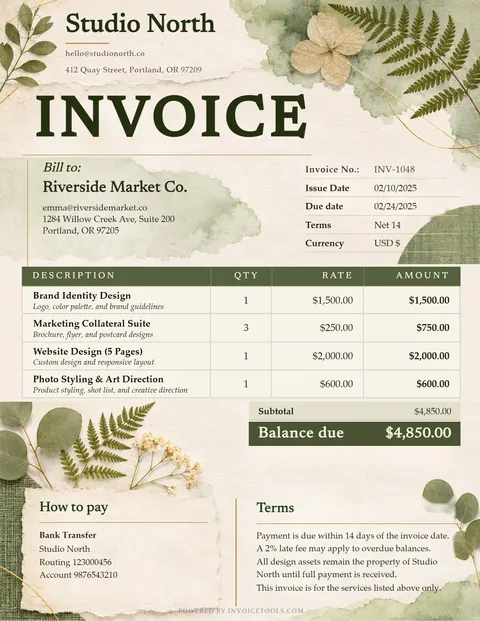
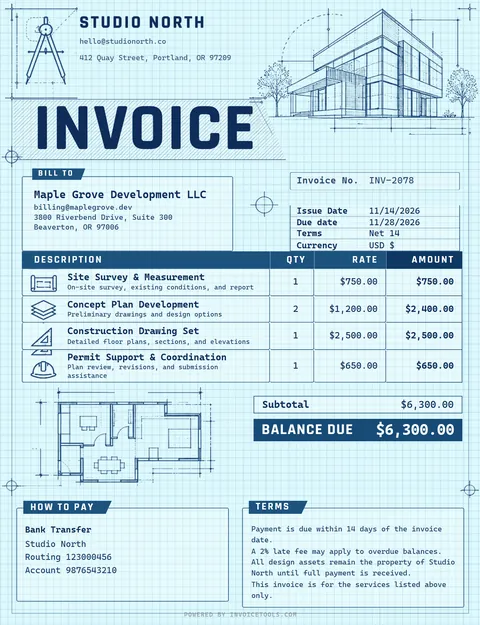
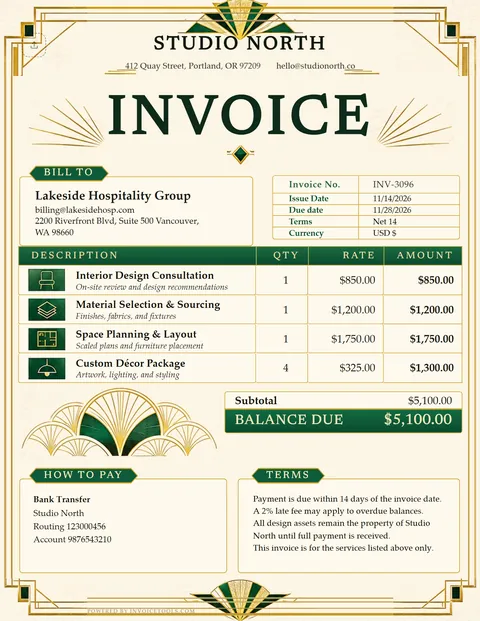
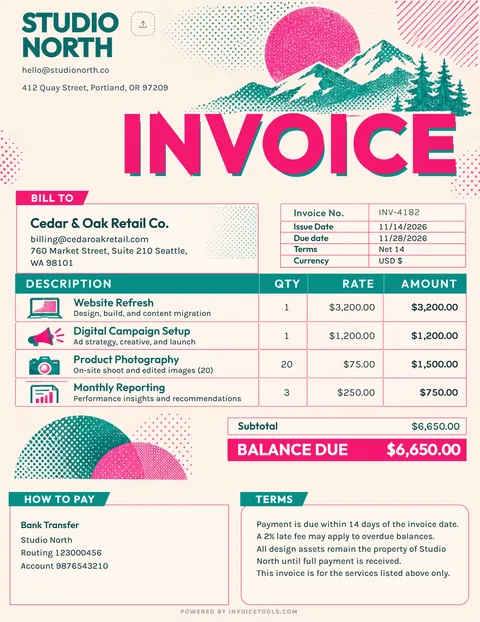
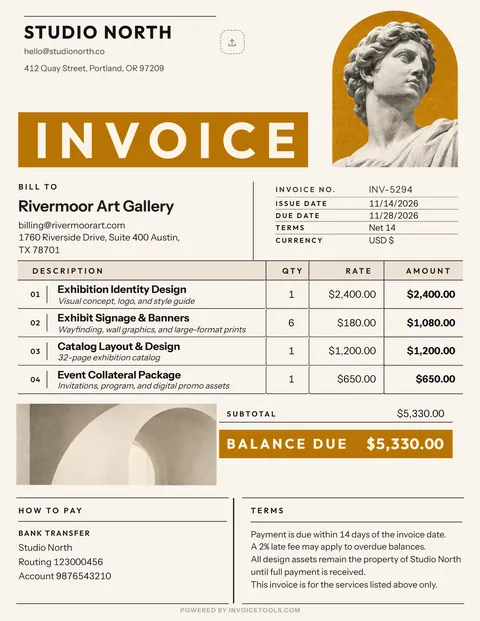
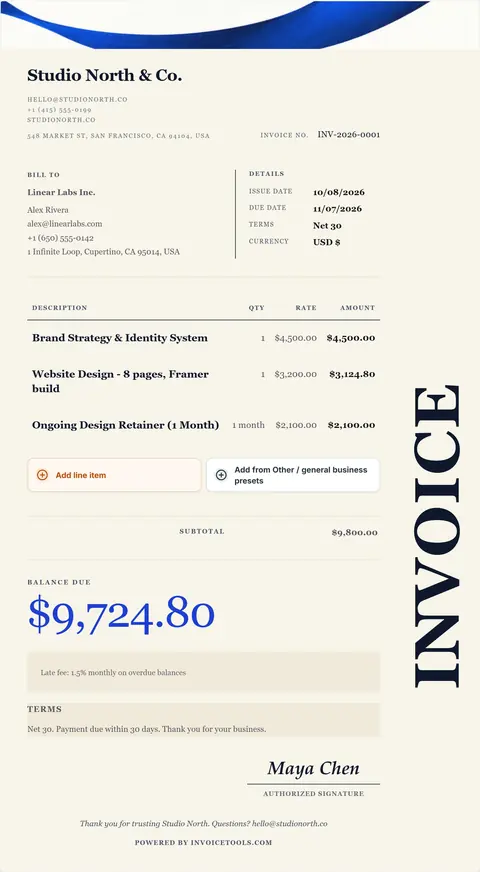
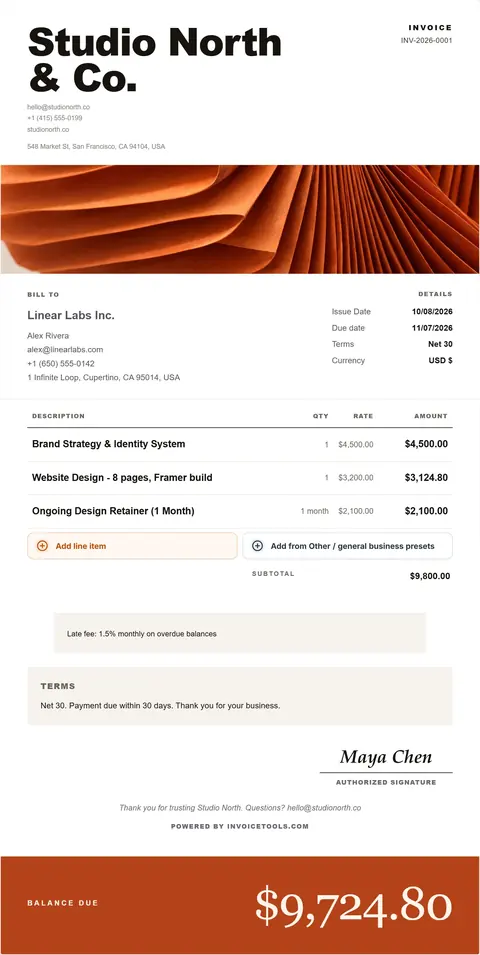
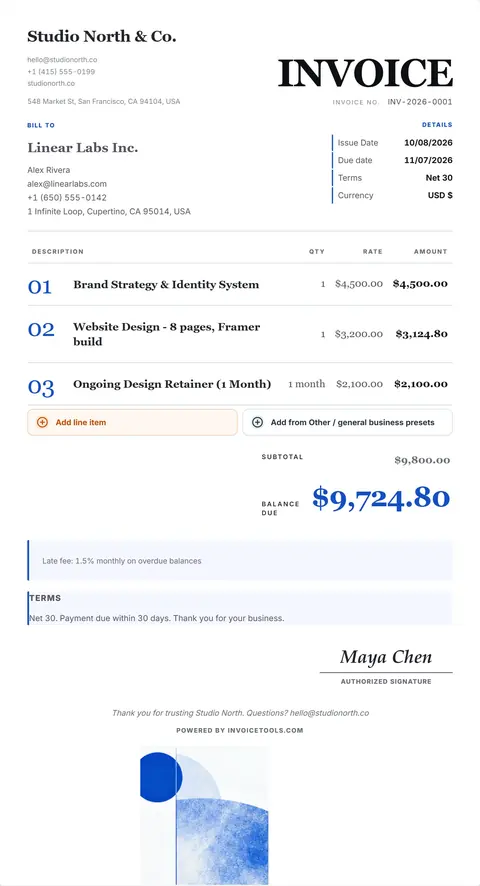
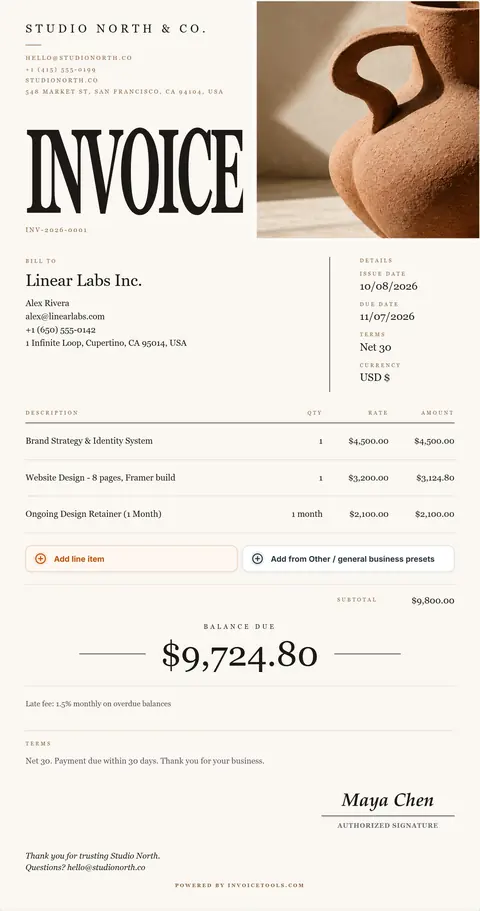
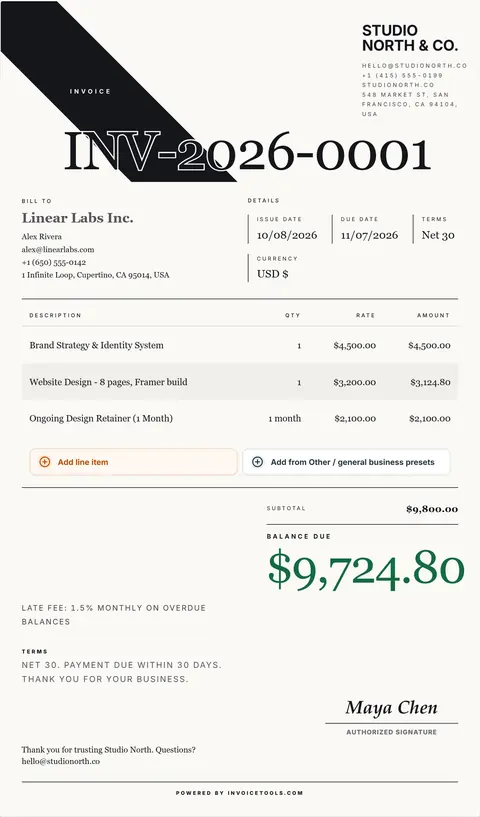
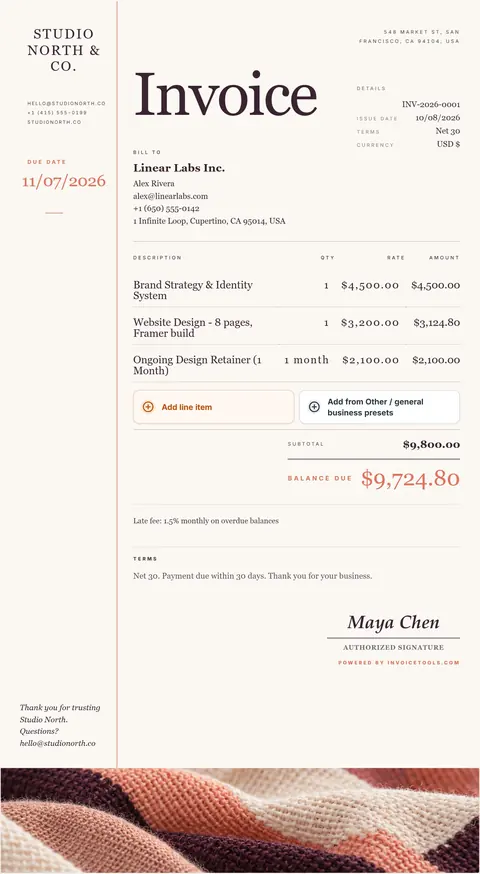
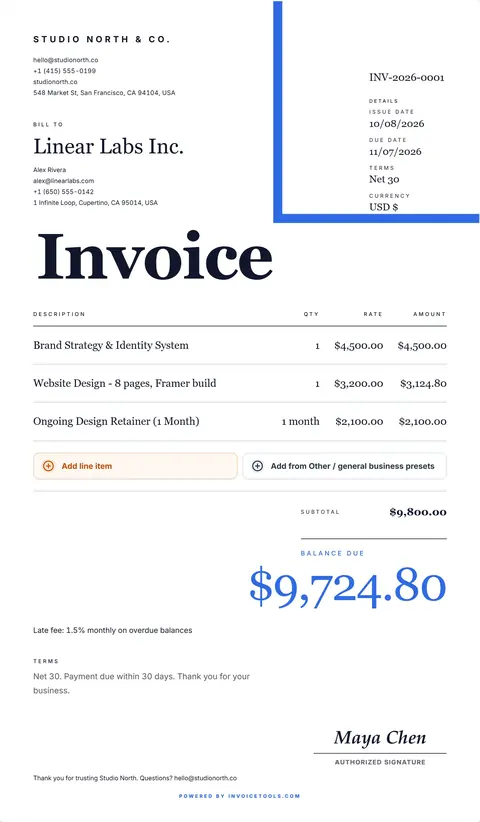
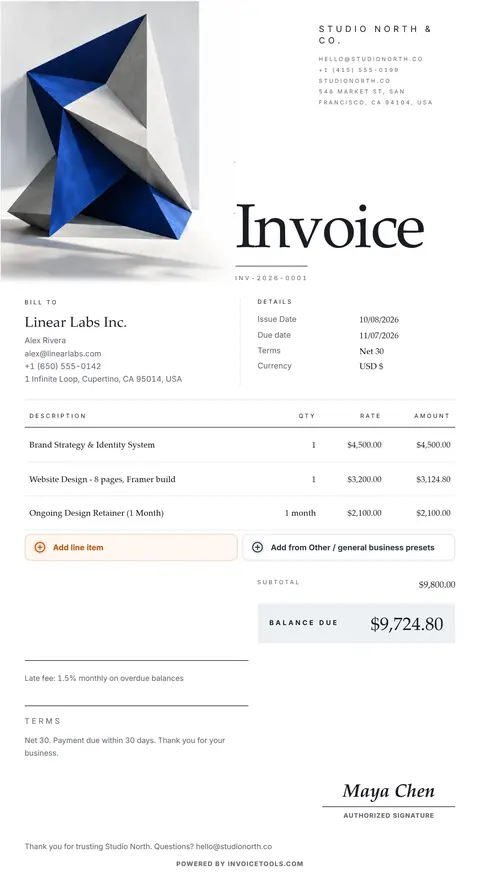
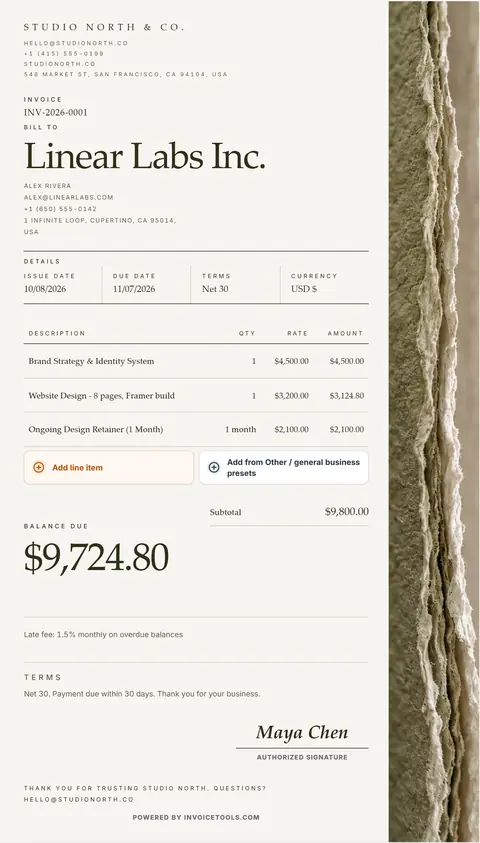
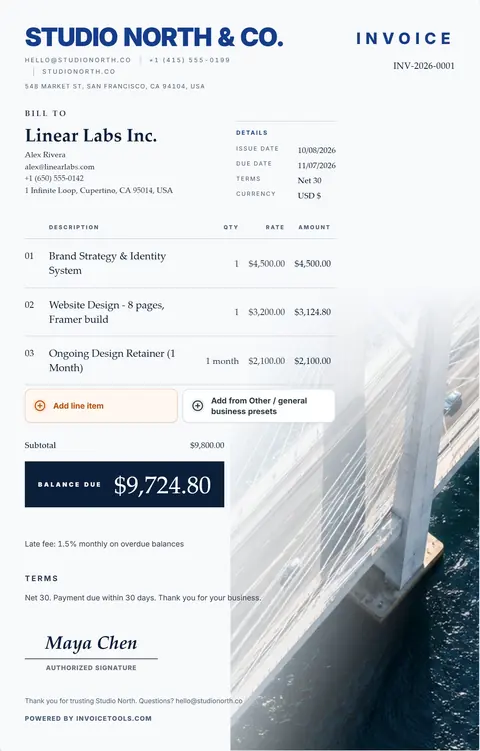
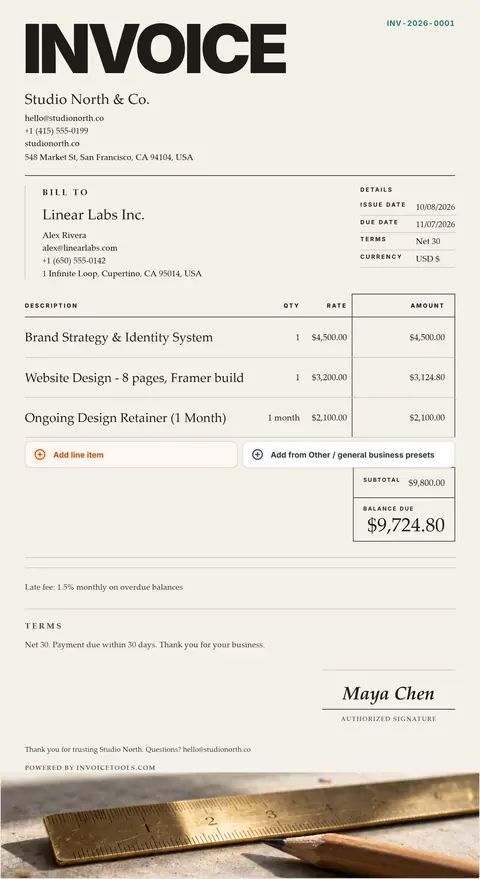
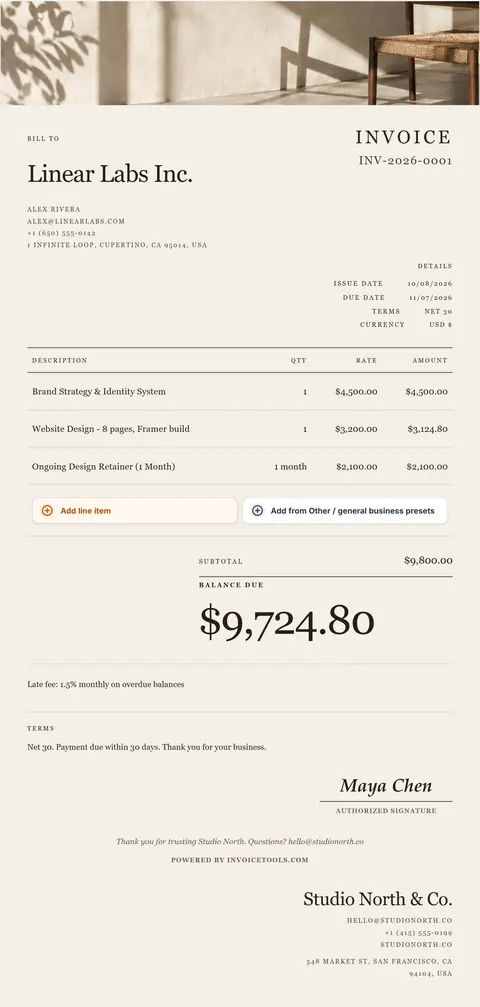
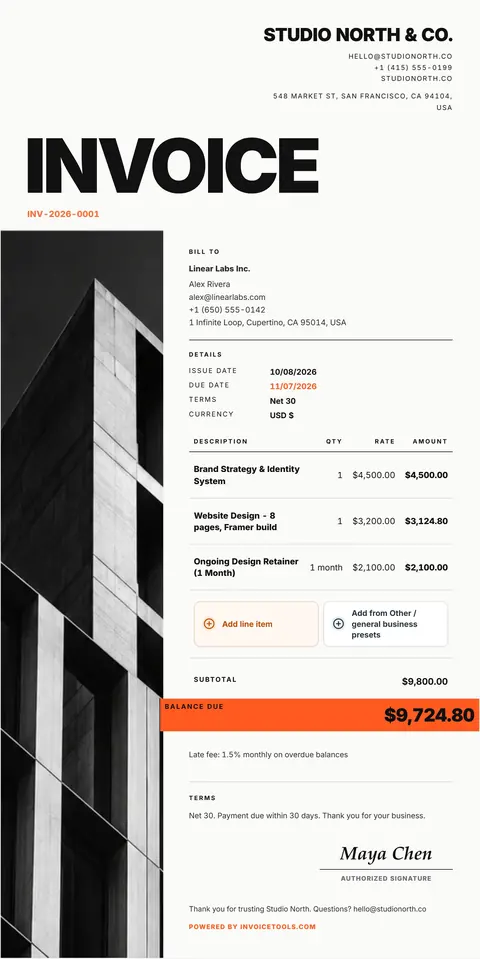
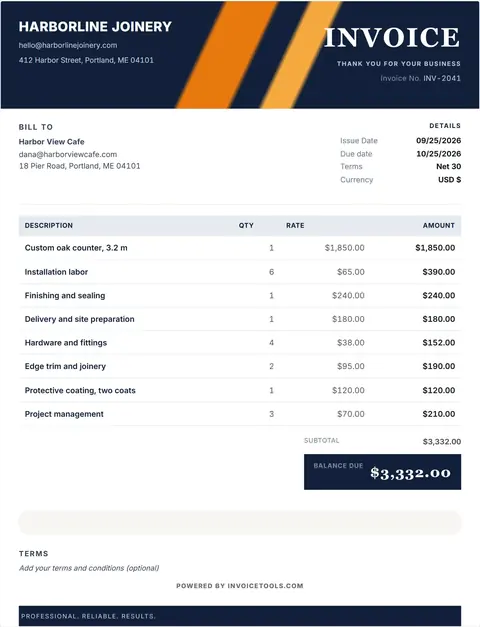
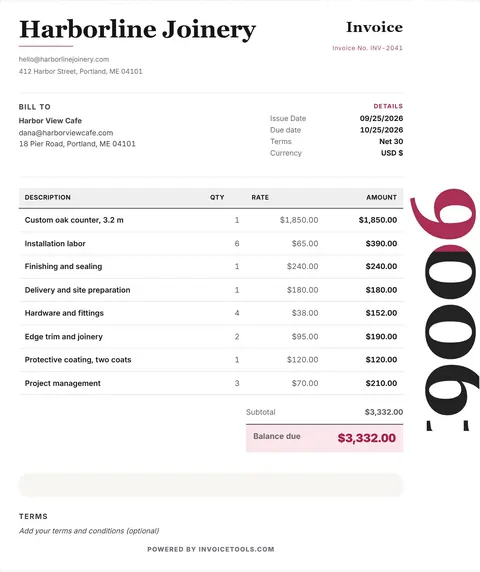
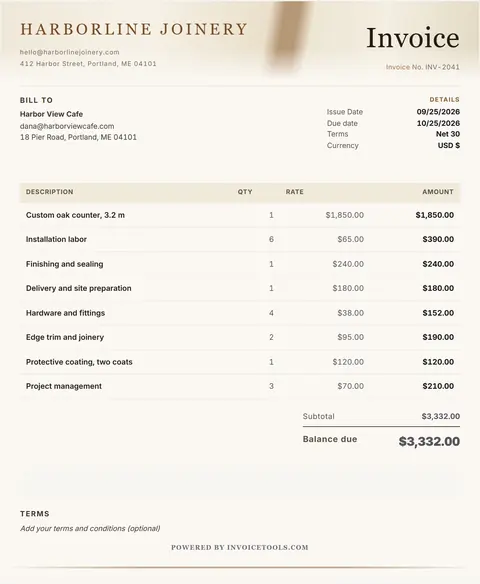
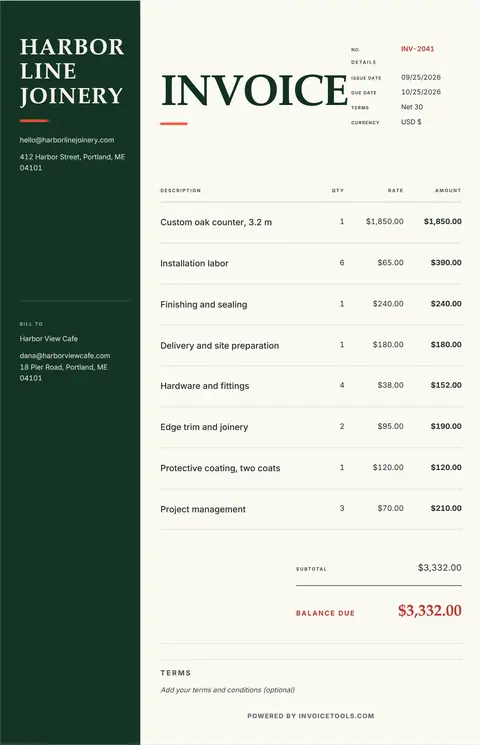
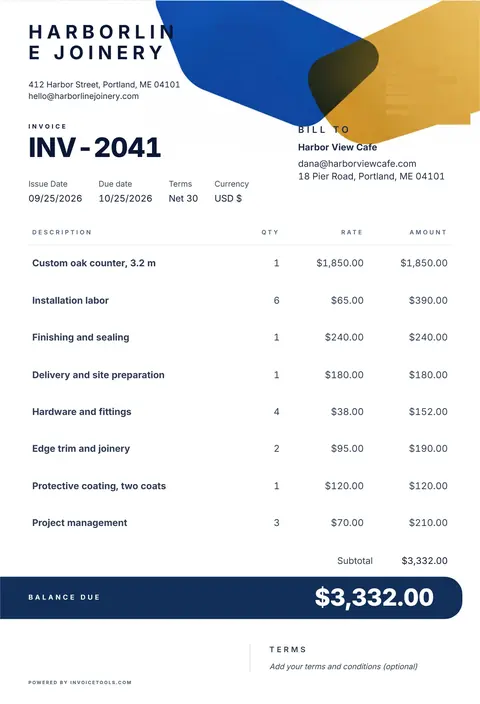
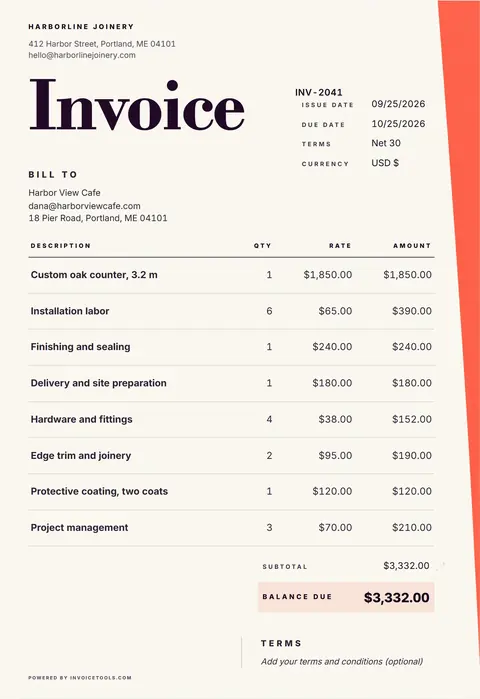
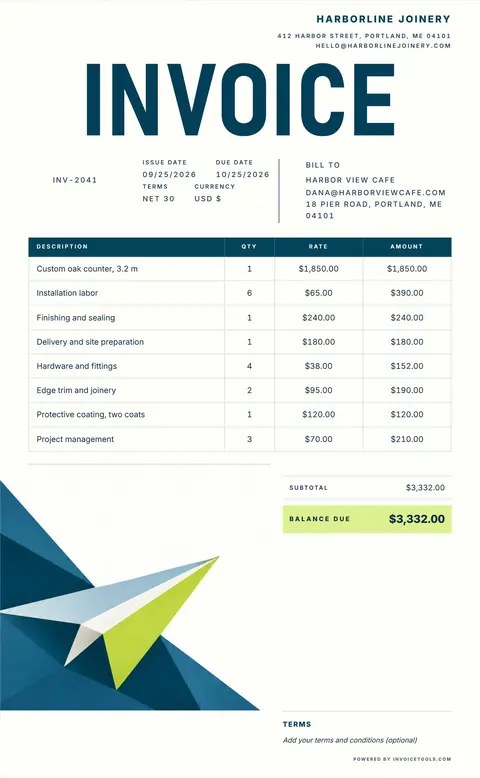
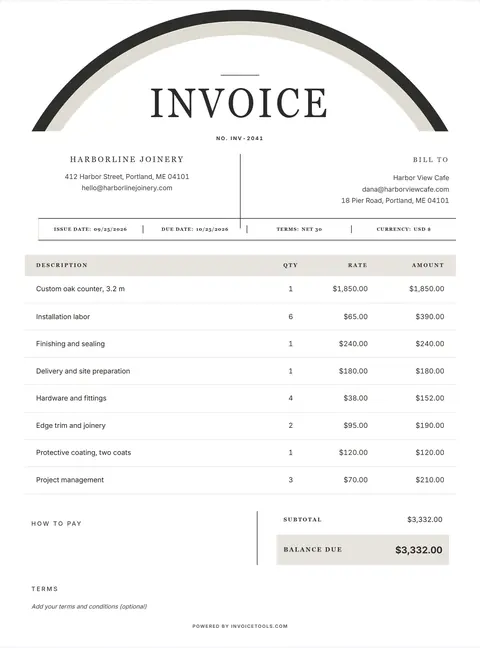
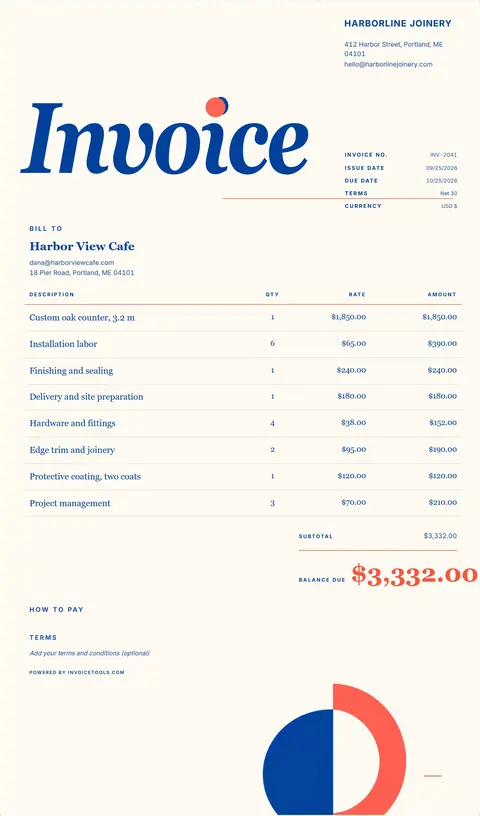
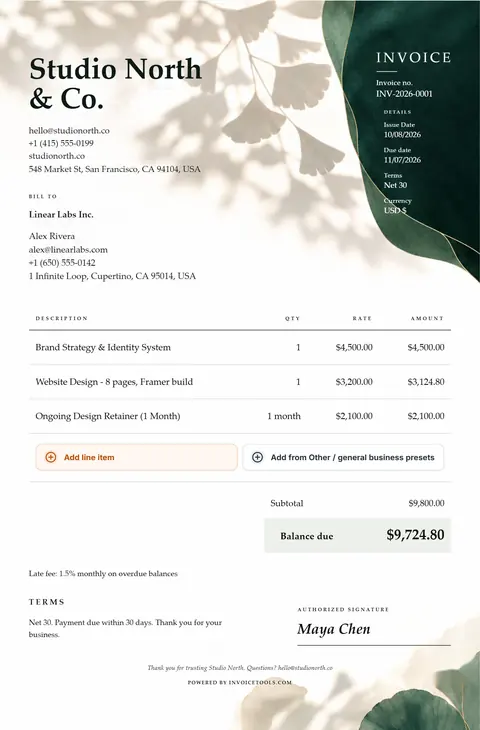
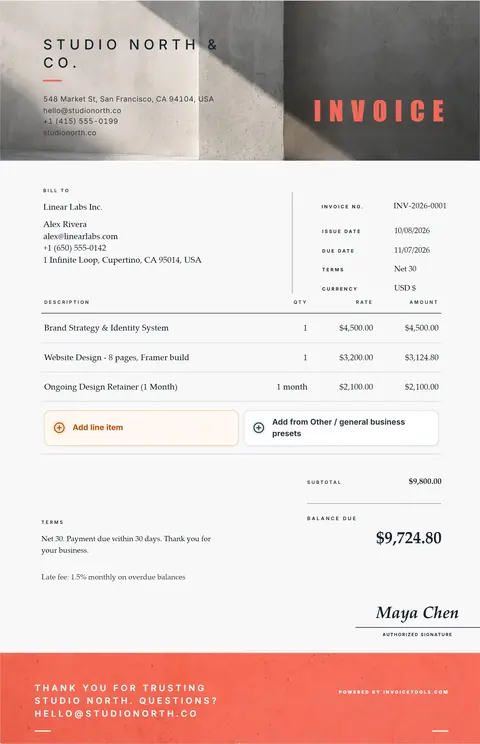
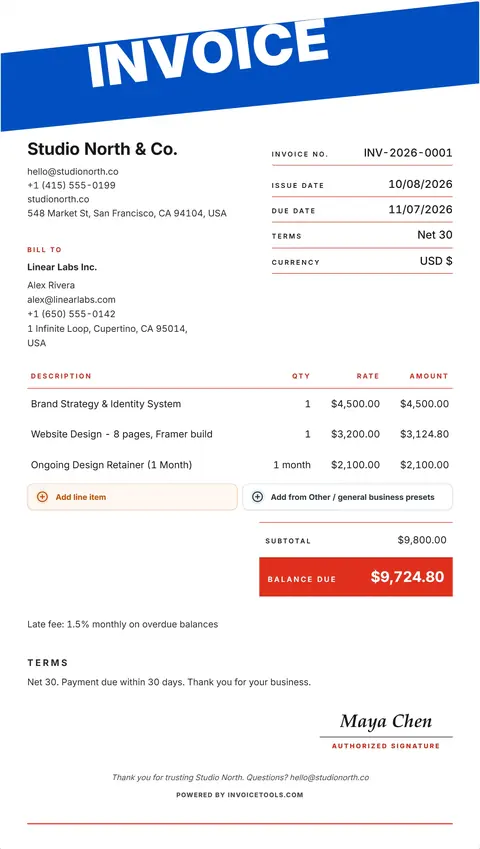
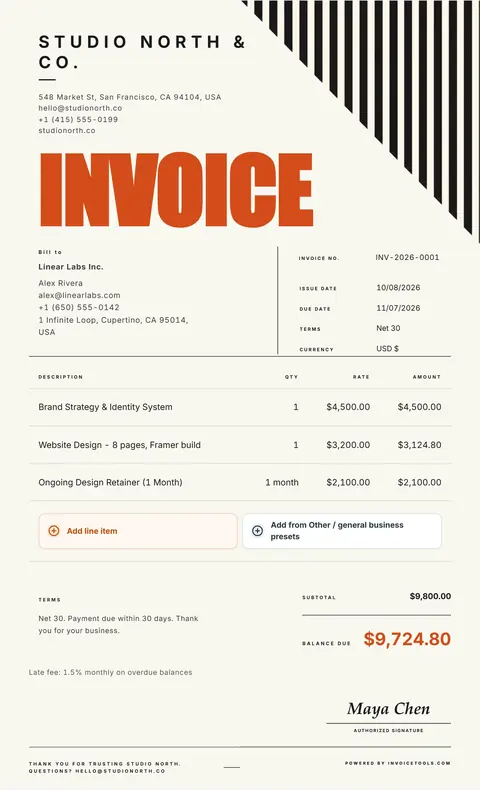
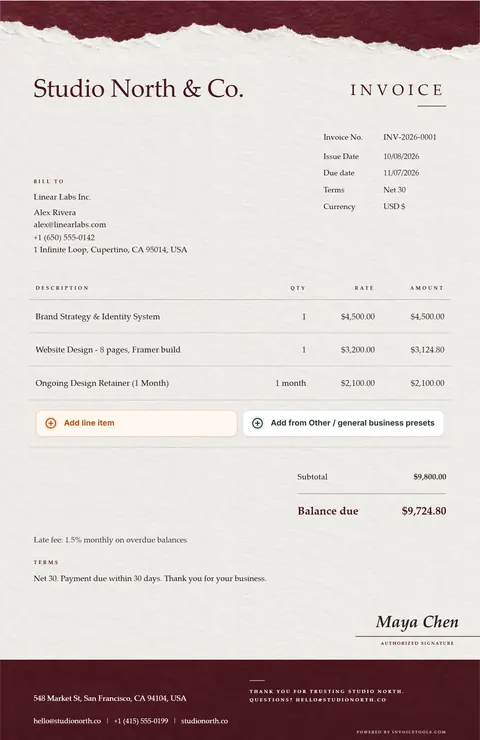
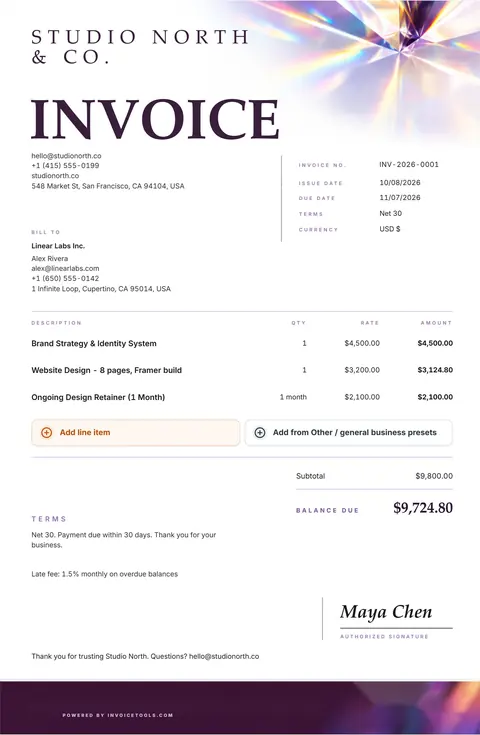
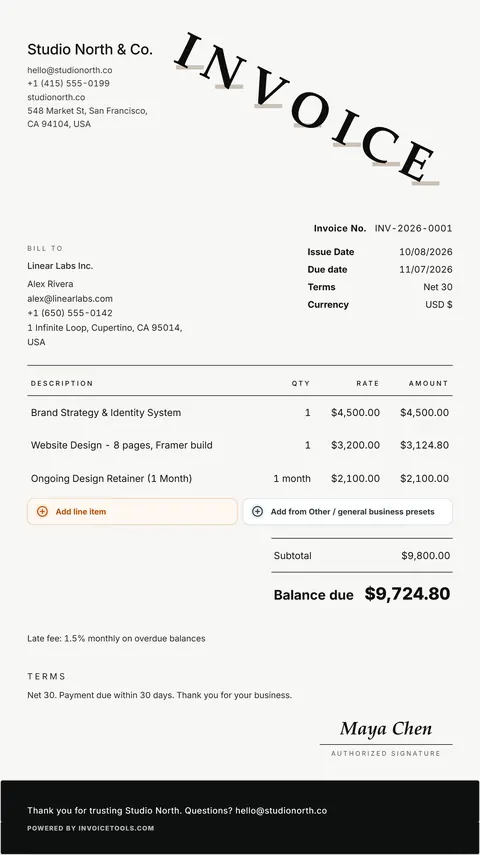
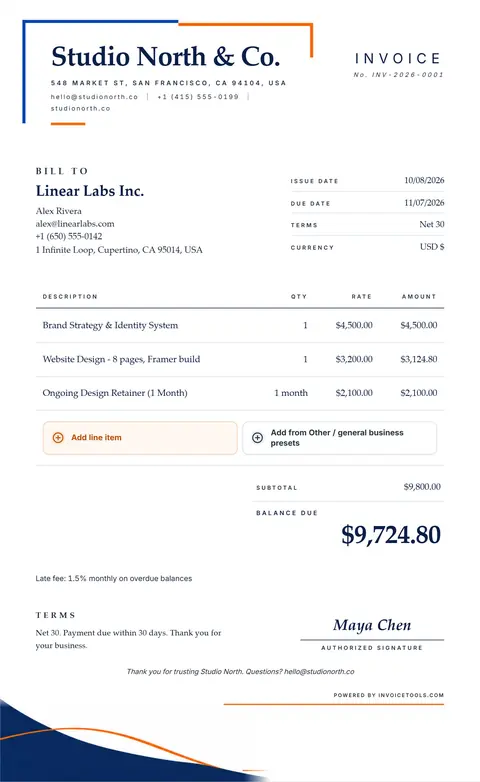
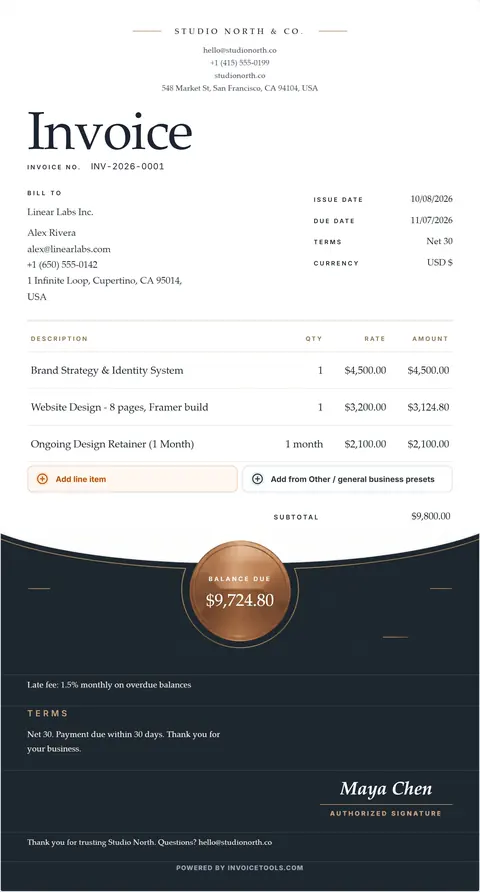
A ready-made bill layout: header, invoice number and dates, itemized charges, totals and payment terms already arranged, so writing an invoice becomes filling one in. The 40+ designs here are that layout done properly, with the editing built into the page.
Can I download an invoice template in Word or Excel?
Yes. Free invoice templates for Word, Excel and fillable PDF are one download away, and the Excel one calculates the totals for you. The editor here stays the no-install path: it runs in your browser with no layout drift and nothing to break.
Is there a printable invoice template here?
All 40+ designs print from the browser, and the print path strips away the editor so only the document reaches paper. Plain black and white printers are accounted for, and a blank invoice template is there if you would rather fill one in by hand.
How do I create a free invoice from a template?
Pick a design, replace the sample content with your business, your client and the line items, then export or print. The whole path costs nothing and needs a free account; the guided invoice generator on this site does the same job with step-by-step fields and needs no account.
What should a simple invoice template include?
Your name and contact details, the client's, an invoice number, the issue date and the due date, one line per item of work with the amount, the total, and how to pay. Everything else on these designs is optional and switches off, which is how any of the 40+ becomes a simple invoice template.
What is the difference between an invoice and a bill?
Nothing, except who is speaking. You send an invoice; the person receiving it calls it a bill. Bill format and invoice format mean the same document, and the title on these designs is editable, so it can say either.
How do I write an invoice if I am self employed?
Put your own name where a company name would go, add your address and your tax reference if you have one, number the invoice, list the work with dates, and state the terms. A self employed invoice template is an ordinary invoice with the company blocks switched off, which is one toggle here.
What should an invoice number look like?
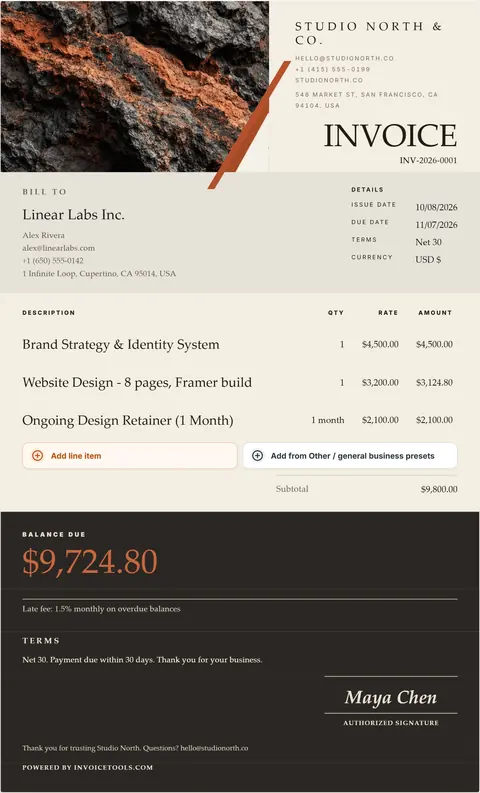
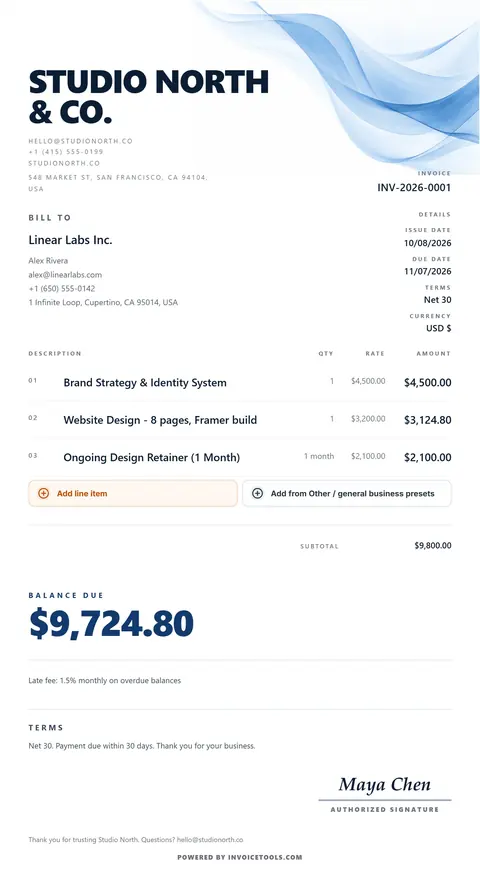
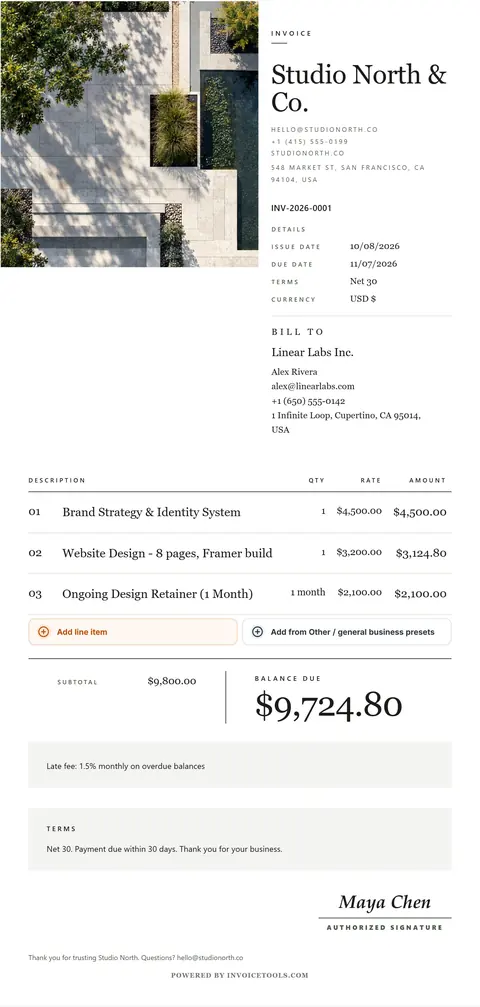
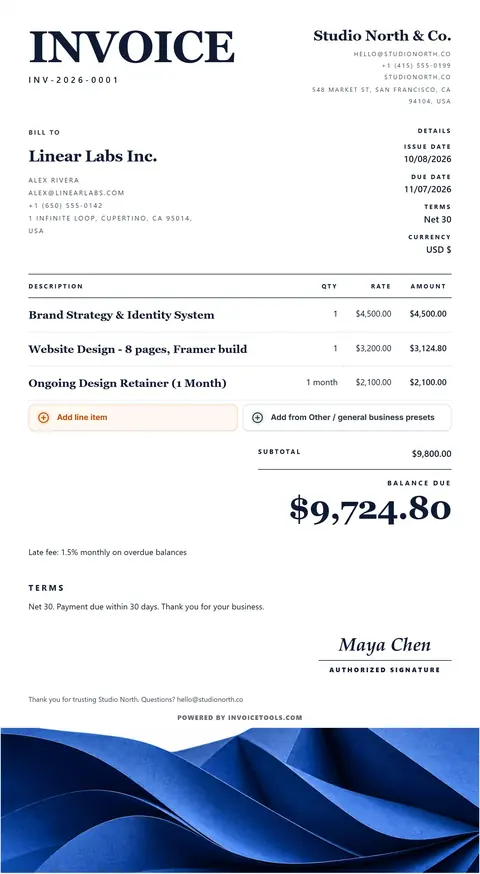
Unique, and findable a year later. A sequence with the year in it, INV-2026-0001 upward, sorts correctly and tells you at a glance which year a query is about. Do not reuse a number after a cancellation: raise a credit note against it instead.
Can I invoice in a different currency?
Yes. Pick the currency from the dropdown, or type your own symbol. It applies to every figure on the document, and the totals recalculate as you type.
How do I make an hourly invoice?
Rename the quantity column to Hours and the rate column to Hourly rate. The amount column multiplies them, so an hourly invoice template is the same design with two labels changed.
Do I have to charge tax on an invoice?
That depends on where you trade, what you sell and whether you are registered, so check the rule where you file. The designs carry tax per line or one tax on the subtotal, and the whole tax block switches off if you do not charge it.
Are these invoice samples, bill templates or invoice examples?
Any of those. Each of the 40+ designs is a filled-in invoice sample you can use as an invoice example to copy, a bill template if that is the word your trade uses, or a billing template you edit directly and print. The difference is only what you call it: every one opens as a complete sample invoice with lines already in place, and you type over the parts that are yours.
What due date does Net 30 give?
Net 30 means payment is due 30 days after the invoice date. An invoice dated 3 November 2026 on Net 30 is due on 3 December 2026, and on Net 14 it is due on 17 November 2026. Print the due date itself on the invoice so the client does not have to count.
Does the blank invoice file include a deposit line?
No. The blank Word and Excel invoice has ten line rows, a tax rate and a Total due, with a Notes and payment instructions box. If a deposit has been paid, state the amount received and the balance due in that box.