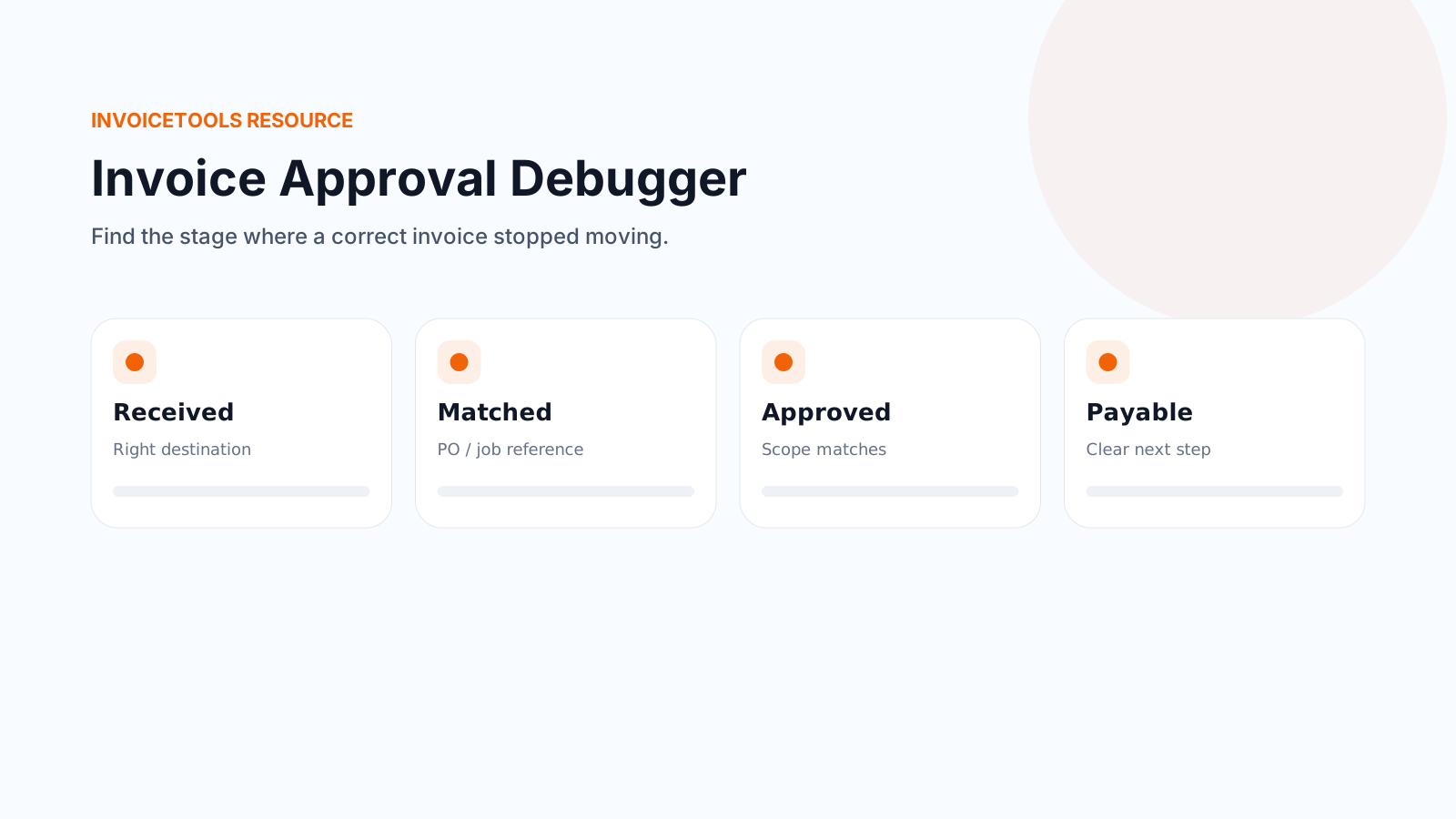
How this works
An invoice that is correct can still sit unpaid because it got stuck at one of five points between leaving your hands and reaching a payment run: it has to be received, identifiable, matching what was approved, with any changes documented, and payment actionable. Pick the stage that sounds most like your situation below, or read all five in order. Each one lists the common reasons an invoice stalls there and a specific fix.
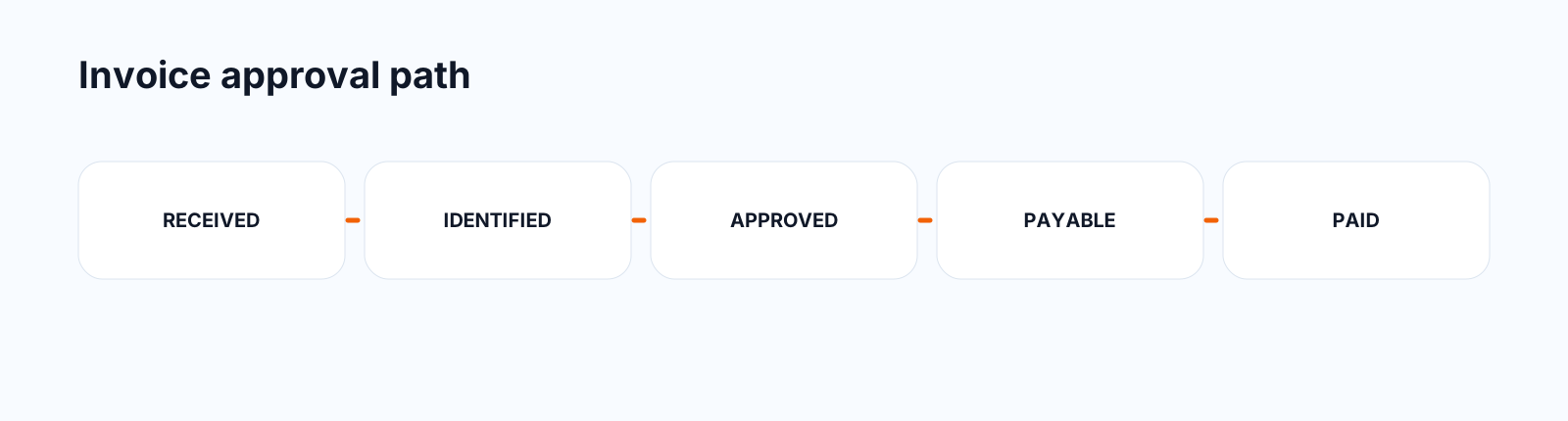
Stage 1: Received
The invoice has to physically or digitally arrive somewhere a bill actually gets processed, not just somewhere it gets read. Those are often different places. The person who hired you can open your email, say thanks, and never forward it to whoever pays bills.
Common reasons it gets stuck here
Sent to the person who hired you, not to accounts payable. On anything past a one-person business, the person who agreed to the work and the person who pays invoices are often not the same desk.
Fix: ask for the billing contact or accounts payable address before you finish the job, and send the invoice there directly, with the person you dealt with copied.
It went into a vendor portal you were never told about. Larger clients and property managers often require invoices uploaded to a system (a vendor portal, a specific inbox with a ticket number, or similar) instead of accepted by email at all. An email sent outside that system can go completely unread.
Fix: ask directly, before the first invoice, whether they use a portal or a specific submission process, and get the account details in writing.
It landed in spam, a shared inbox, or an address nobody actively monitors. A generic billing@ address can be checked once a week, or not at all if the person who used to watch it has left.
Fix: send with a payment link and ask for a short reply confirming it arrived. If you use tracked sending, you can see whether it was opened rather than guessing.
The useful information is only in a PDF attachment nobody opened. A subject line with no amount or due date is easy to skip past in a busy inbox.
Fix: put the invoice number, amount and due date in the body of the email itself, with the document attached as backup, not the only source.
Stage 2: Identifiable
Once an invoice reaches accounts payable, someone or something has to match it against a record they already hold, usually a purchase order, a job number, or a project name. An invoice with no matching reference sits in a queue marked unknown while somebody tracks down who it belongs to.
Common reasons it gets stuck here
No PO number on an invoice from a client who requires one. Many companies, especially anything past a small business, will not process an invoice without a matching purchase order, no matter how correct the invoice is.
Fix: ask for a PO number before you start the work, and put it near the top of the invoice, not buried in the notes. A PO number is the client's own internal reference, not something you assign yourself. If you regularly need to issue or track these, the purchase order generator covers the other side of that exchange.
The billed business name doesn't match the entity that ordered the work. If the client operates under a different legal name, a franchise, or a parent company than the name on your invoice, it may not match anything in their system.
Fix: ask which exact legal entity name and billing address they want on the invoice, and use it consistently.
No project, job number, or property reference at all. A client with several active jobs, sites, or properties with you has no way to know which one an invoice belongs to if it just says the work you did.
Fix: include the job number, site address, or contact name of whoever approved the work, wherever the client's own system expects it.
Line items are too vague to match anything on file. "Labor" and "materials" with no further detail give accounts payable nothing to cross-check against a quote.
Fix: describe each line close to how it was described in the original quote or estimate, so someone scanning both can see they are the same job.
Stage 3: Matches approval
Even a correctly addressed, correctly referenced invoice can stall if it does not look like what was approved. Accounts payable is usually checking the invoice against an earlier document, a quote, an estimate, or a verbal sign-off, and anything that reads as a mismatch gets set aside for someone to query rather than paid on the spot.
Common reasons it gets stuck here
The total is higher than the quoted or approved amount, with no explanation. A number that doesn't match what someone remembers agreeing to is the single most common reason an otherwise fine invoice gets held for a second look.
Fix: reference the original quote or estimate number on the invoice, and if the total differs, show the variance as its own line rather than folding it into the total silently.
The wording of the scope doesn't match the approved document. If the quote said "bathroom retile" and the invoice says "tile installation, phase 2", it can read as a different job to someone who only has a few seconds to check.
Fix: keep the item wording from the accepted quote or estimate consistent all the way through to the invoice.
The person named as having approved the work isn't who actually signed off. If a job was approved by a site manager but invoiced to head office with a different name attached, the invoice can bounce back for confirmation.
Fix: confirm the name of the actual approver before sending, and use it on the invoice.
A rate changed since the estimate went out, with no notice given at the time. Even a small, reasonable rate increase reads as a discrepancy if it shows up for the first time on the invoice.
Fix: flag any rate change to the client before you invoice, not when the invoice lands.
Stage 4: Changes documented
Work almost never goes exactly to the original plan. Extra materials, an added task, a scope change mid-job. The invoice does not need to avoid those changes, it needs to show them clearly, so nobody on the client's side has to guess where an unexpected number came from.
Common reasons it gets stuck here
Extra work is billed as a lump-sum increase with no description. A total that is simply bigger than expected, with no line explaining why, reads as an error rather than as approved extra work.
Fix: itemize each change as its own line, described the same way it was discussed, not folded into an existing line.
The change was only ever agreed verbally. A verbal okay from a site visit is easy for someone in accounts payable to be unaware of, since they weren't on that call.
Fix: get any change confirmed in writing before you invoice for it, even a short text or email reply is enough to reference.
The change order total doesn't match what was actually agreed. Rounding, an added material cost, or a different quantity than discussed can all make a change look larger than the client remembers approving.
Fix: send the written change order for approval before adding it to the invoice, not after the invoice has already gone out.
Stage 5: Payment actionable
The last checkpoint is the most overlooked. An invoice can be received, matched, approved and fully documented, and still sit unpaid because the person looking at it does not have everything they need to actually make the payment without asking you something first.
Common reasons it gets stuck here
There's no clear due date, or a vague one like "due on receipt". A phrase instead of a date gives accounts payable nothing to schedule against, so it sits until something else prompts them to look at it again.
Fix: put an actual calendar date on the invoice, calculated from your stated payment terms, not a phrase.
No payment method is specified. Bank details, a mailing address for a check, or a payment link. Without one of those, paying the invoice means someone has to stop and ask you how.
Fix: include at least one clear way to pay directly on the invoice, ideally a payment link so paying takes one click.
The stated terms conflict with what was discussed verbally. If you agreed net 15 on a call but the invoice says net 30, or the reverse, accounts payable has no way to know which one is right, and will often default to the slower one, or query it.
Fix: state your payment terms plainly on every invoice, and keep them consistent with what you actually told the client.
No one on their side actually owns approving the payment. In a very small business, this is often simply a matter of nobody having gotten around to it, not a dispute.
Fix: ask directly who signs off on payments, and copy them on the invoice and any follow-up.
If it passes all five checks and it's just late
Some invoices clear every one of these and are simply overdue. That's a different problem with a different fix: chasing an overdue invoice, week by week covers the reminder, the statement, the phone call, and when to charge a late fee.
What this is. A diagnostic written from the same experience as the rest of these guides, by a tradesperson who invoices his own work. It describes common, ordinary reasons a correct invoice stalls in accounts payable, not a legal or accounting standard, and it is not a substitute for reading your own client's actual procurement or vendor requirements.
Last reviewed by InvoiceTools, Houston, Texas, on 29 September 2026.