The short version
Pick the method you already get paid through, enter the amount and the invoice number, and the page builds a link and a QR code. Put both on the invoice: the link for email, the QR for a printed copy or a phone held up on site. The reference travels with the payment, so it arrives already matched to the invoice.
Step 1: build the link
Choose the provider you already use, then enter your handle or account, the amount, and the invoice number as the reference. The page assembles the link and draws the QR next to it.
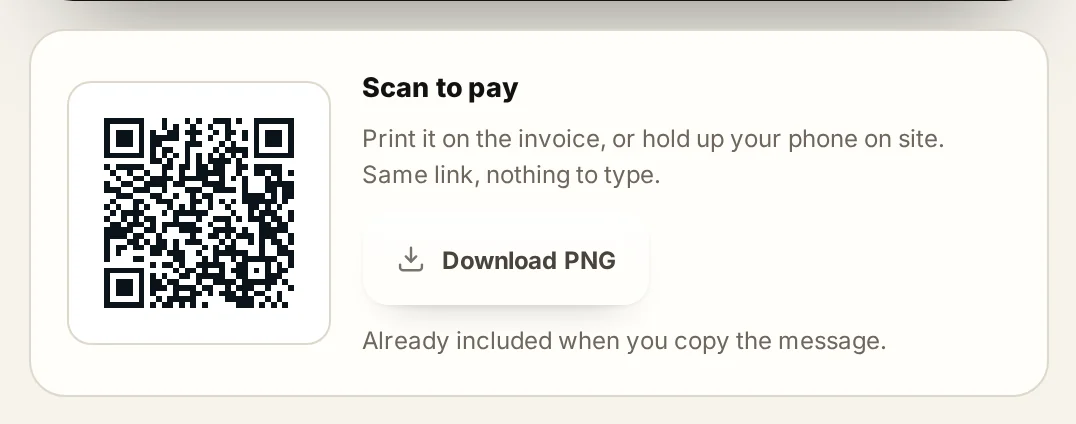
The reference is the part people skip and then regret. A payment that arrives with no invoice number attached has to be matched by hand later, and on a busy month that is an hour you do not have.
One limit: this page builds the link and the code. It does not process the payment or hold your money. The money moves through whichever provider you chose, on their fees and their timing.
Step 2: pick the right method for the job
Card fees are a percentage plus a fixed amount, so small payments are hurt by the fixed part and large payments by the percentage. That single fact decides most of these choices.

As a rough guide: a card or a wallet for anything under a few hundred dollars, where speed matters more than the fee. Bank transfer or ACH for four and five figure invoices, where a 2.9% card fee on $8,000 is $232 you are giving away. And on site, a QR the client scans from their phone beats reading a bank account number off a phone screen.
Step 3: put it on the document
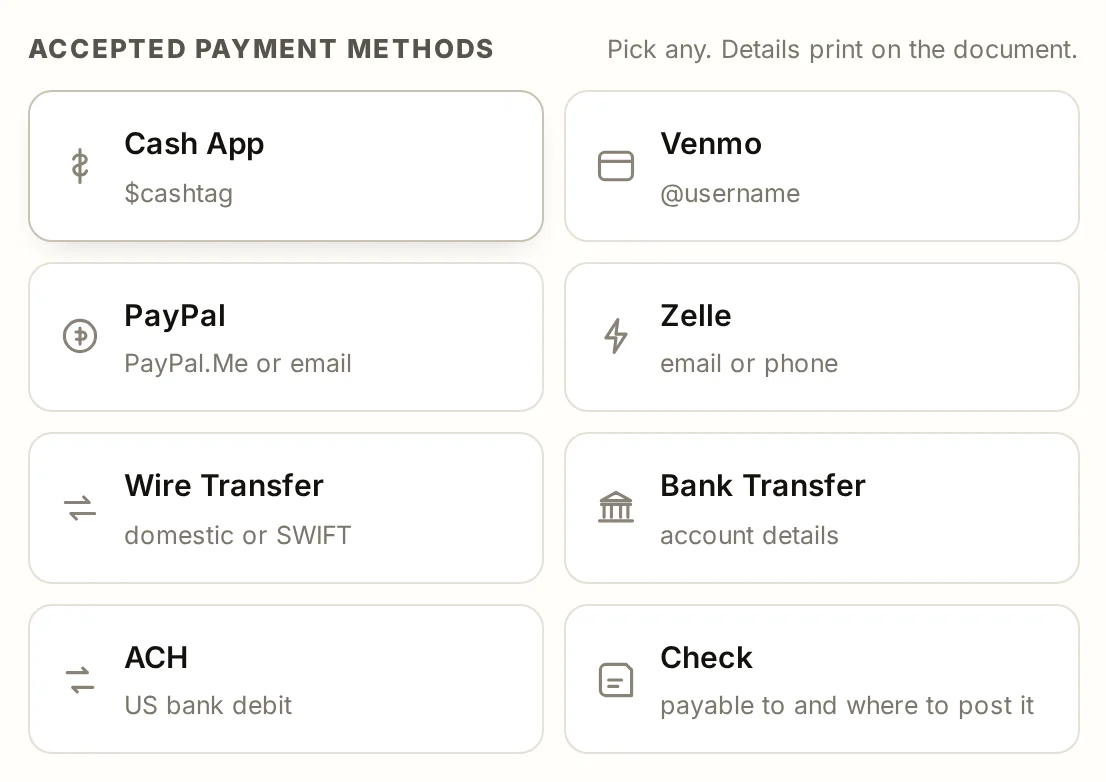
A link in the email body is easy to lose. A QR on the invoice is on the page the client actually keeps, and it survives printing and forwarding. The document pages carry a payment methods picker for exactly this: choose the methods you accept, and the QR is drawn into the document as part of the export.
Because the code is drawn as part of the document rather than pasted in as an image, it comes through the PDF and the PNG intact. Test yours once: export the PDF, scan it with your own phone, and check the amount that comes up.
What this does to how fast you get paid
Most invoices are paid late because paying was a task rather than a tap: find the bank details, open the app, type the account number, type the reference, hope it is right. Removing that friction is the cheapest thing you can do for your cash flow, and it costs a QR code on a page.
The rest of it is timing. Send the invoice the day the work finishes, put the due date on it as a date, and follow up the day after that date rather than a week later. If it does go past due, the late fee generator or Invoice Due Date Calculator works out the fee your terms allow and writes the letter that goes with it, and the guide to chasing an unpaid invoice walks through the sequence.
The tools for this
More guides
- Progress billing: format and exampleHow to bill a job in stages: the schedule of values, a worked progress invoice with retainage, pay applications and AIA forms, and the quote wording that gets each stage paid.
- How to chase an unpaid invoiceWhat to do when a client is not paying: the day-one reminder email, the day-seven call, the overdue notice with the late fee, the final demand letter, then liens, small claims and collections.
- How to write a change orderWhen to write a change order, what goes on the form, how to price extra work including time and materials, keeping a log, and how an approved change reaches the invoice.
- Deposit invoice: how to bill a depositWhen to ask for a deposit, how much, deposit versus down payment versus retainer, the wording on the quote and the deposit invoice, and how the final invoice shows the balance due.
- How to number invoices: format and examplesAn invoice numbering system that never repeats or skips, format examples with a year or job prefix, separate series for quotes and credit notes, and where the number goes on the invoice.
- How to make an invoiceA walkthrough of the invoice generator with a screenshot of each step: trade, client, lines, terms and the finished PDF.
- Quote to invoiceWhat goes on a quote, quote versus estimate, setting the deposit and validity, and converting the accepted quote into an invoice.
- Invoicing glossaryPlain definitions of the words on an invoice, a quote and a job, each with an example.
Common questions
How do I add a payment link to an invoice?
Build the link in the payment link generator with the amount and the invoice number, then paste it into the invoice and the covering email. On the document pages you can also pick your accepted methods and the QR is drawn into the document itself.
Does the QR code still work after I export the PDF?
Yes. The code is drawn into the document rather than pasted in as an image, so it survives the PDF and the PNG export and it still scans from a printed copy.
Which payment method should I use?
A card or wallet for small amounts where speed matters, and bank transfer or ACH for large invoices where the percentage fee gets expensive. On site, a QR the client scans is faster than reading account details aloud.
Does InvoiceTools process the payment?
No. The page builds the link and the QR code for the provider you already use. The money moves through that provider on their fees and their timing, and never touches this site.
What should I put as the payment reference?
The invoice number, every time. It travels with the payment so the money arrives already matched to the invoice instead of being reconciled by hand later.
Can I use more than one payment method on one invoice?
Yes. Pick every method you accept in the payment methods card and they appear together on the document, so the client can use whichever suits them.
What this is. A guide and template written by James Carter. It is not legal advice. Deposit, cancellation and late fee rules differ by state, so have any wording you rely on checked for your state before it goes on a real document.
Last reviewed by InvoiceTools, Houston, Texas, on 30 August 2026.